
Key facts
- Brand
- LaCie
- Model
- d2 Quadra
- Category
- Storage devices
- Industry
- Computers
- Documents
- 2
- Languages
- ZH · EN
- Last added
- 2011-11-25
Start here
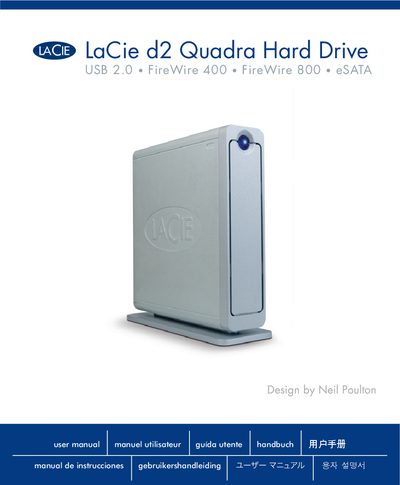
LaCie d2 Quadra Hard Drive User Manual
This manual covers health and safety precautions, system requirements, and step‑by‑step installation of the LaCie d2 Quadra external hard drive. It explains how to connect the USB 2.0, FireWire 400, FireWire 800, and eSATA interfaces, as well as how to use the Shortcut Button and manage power and heat.
Additional sections provide formatting guidance, interface comparisons, FAQ for each connection type, troubleshooting tips for Mac and Windows users, warranty information, and a glossary of technical terms.
LaCie d2 Quadra specifications
| Power Input | 100‑240 V~, 15 A, 50‑60 Hz |
|---|---|
| Supported Interfaces | USB 2.0, FireWire 400, FireWire 800, eSATA |
| Power Cable | Only the supplied power cable may be used |
Source: LaCie d2 Quadra User Manual
All LaCie d2 Quadra documents by type
Day-to-day operation, settings and troubleshooting. Start here if the product is already set up.
Questions answered in these manuals
Which power cable must be used with the d2 Quadra?
Only the power cable that comes with the device should be used.
What are the minimum system requirements for using the d2 Quadra?
A 512 MHz processor (or faster) and at least 128 MB RAM (512 MB recommended) are required.
What interfaces are supported by the LaCie d2 Quadra?
The drive supports USB 2.0, FireWire 400, FireWire 800, and eSATA connections.
What are the power requirements for the LaCie d2 Quadra?
It requires 100‑240 V~, 1.5 A at 60‑50 Hz.