
This is the user manual of CASIO EX-Z3 digital camera
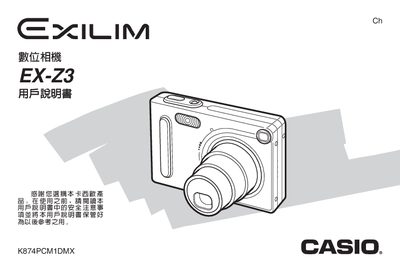
This manual covers everything you need to get started with the Casio EX-Z3 digital camera, from unboxing and battery charging to basic shooting techniques and advanced features such as flash, focus modes, and white‑balance settings.
It also explains how to connect the camera to a computer via USB, use the included CD‑ROM software, and provides detailed specifications, power‑supply requirements, and troubleshooting guidance. This manual is written in Chinese.
| Camera dimensions | 87 mm × 57 mm × 22.9 mm |
|---|---|
| Camera weight | ≈ 16 g |
| Battery type | NP‑20 rechargeable |
| Battery nominal voltage | 3.7 V |
| Battery capacity | 680 mAh |
| Operating temperature range | 0 °C to 40 °C |
| Power consumption (camera) | ≈ 3.5 W at 3.7 V |
| USB base dimensions | 106 mm × 42 mm × 59.5 mm |
| USB base weight | ≈ 638 g |
| AC adapter output | 5.3 V DC / 650 mA |
The camera uses a rechargeable NP‑20 battery.
No, only the dedicated NP‑20 rechargeable battery may be used.
Charge the battery before first use by connecting the camera to the AC adapter or USB base.
Connect the camera to a Windows PC via the USB port and use the provided software on the CD‑ROM.