
This is a Casio digital camera manual that introduces the camera's usage methods and features
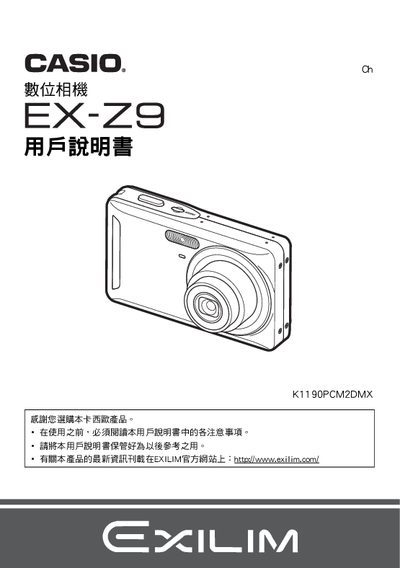
This manual explains how to unpack the EX‑Z9, install the NP‑60 lithium‑ion battery and BC‑60L charger, and connect the camera to a PC via USB. It also covers basic operation, image settings, playback, and printing via PictBridge.
Safety notices, battery handling, firmware updates, and troubleshooting steps are included to help users maintain reliable performance. This manual is written in Japanese.
| Battery rated voltage | 3.7 V |
|---|---|
| Battery capacity | 20 mAh |
| Battery operating temperature | 0 °C – 40 °C |
| Battery weight | ≈18 g |
| Charger input voltage | 100 V – 240 V AC, 50/60 Hz |
| Charger output voltage | 4.2 V DC |
| Charger operating temperature | 5 °C – 35 °C |
| Charger weight | ≈62 g |
The battery charges in about 90 minutes using the BC‑60L charger.
The camera can be used from 0 °C up to 40 °C.
Select the format (initialization) option in the menu to reset the memory.
Yes, the camera supports PictBridge printing to compatible printers.