
This manual introduces the basic functions and operating methods of the exilim brand K1134PCM1DMX digital camera
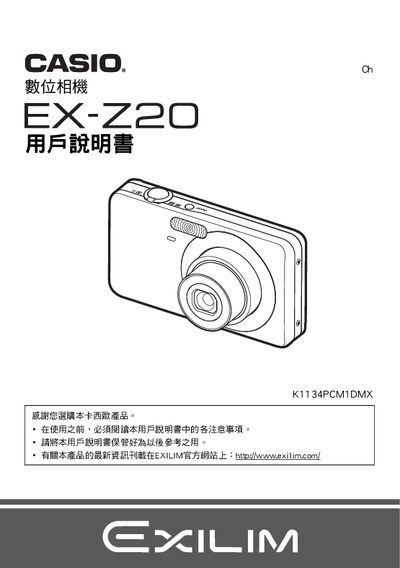
This manual guides you through the initial setup of the Casio EX‑Z20, including battery installation, charger connection, and basic shooting functions. It also covers advanced features such as auto‑focus, face detection, and various shooting modes.
Later sections explain how to manage images on a computer, use PictBridge for direct printing, and perform maintenance tasks like resetting the camera and troubleshooting common issues. This manual is written in Japanese.
| Battery type | NP-60 lithium‑ion rechargeable battery |
|---|---|
| Battery rated voltage | 37 V |
| Battery capacity | 20 mAh |
| Battery operating temperature | 0 °C to 40 °C |
| Battery dimensions (W × H × D) | 37.9 mm × 42.3 mm × 5.0 mm |
| Battery weight | ≈ 18 g |
| Charger input voltage | 100 V–240 V AC, 50/60 Hz |
| Charger output voltage / current | 4.2 V DC, 600 mA |
| Charger operating temperature | 5 °C to 35 °C |
| Charger dimensions (W × H × D) | 60 mm × 20 mm × 86 mm |
| Charger weight | ≈ 62 g |
The camera uses a NP‑60 lithium‑ion rechargeable battery.
Charging the battery takes about 90 minutes.
The camera can operate from 0 °C up to 40 °C.
Connect the camera to a PictBridge‑compatible printer and use DPOF to select images for printing.