
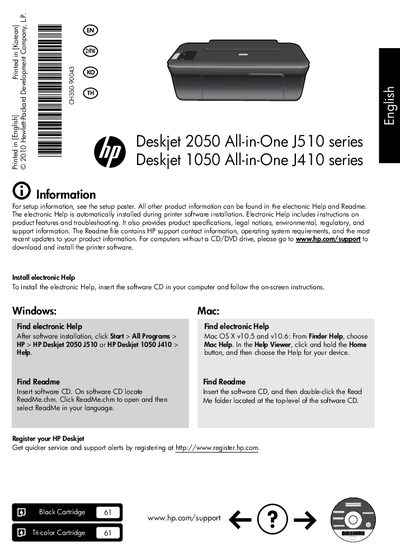
The HP Deskjet 2050 J510 and 1050 J410 All‑in‑One printers are compact inkjet devices for home and small‑office use. The manual guides users through hardware setup, software installation, and everyday printing tasks.
It includes instructions for installing electronic Help, using the control panel, power specifications, ink usage, troubleshooting test‑page problems, registering the printer, and details of the limited warranty and technical support.
| Power adapter model (100‑240 V) | 0957‑2286 |
|---|---|
| Input voltage | 100‑240 Vac (+/‑10%) |
| Input frequency | 50/60 Hz (+/‑3 Hz) |
| Secondary power adapter model (200‑240 V) | 0957‑2290 |
| Cartridge types | Black Cartridge, Tri‑color Cartridge |
| Technical support by phone | 1 year worldwide |
| Warranty – parts and labor (US/Canada) | 90 days |
Insert the printer software CD, then follow the on‑screen instructions to install the electronic Help.