
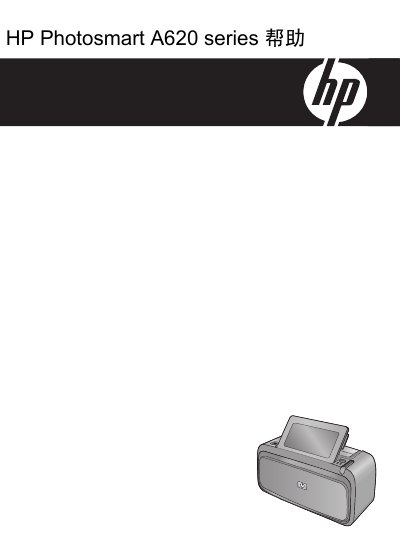
HP Photosmart A620 Series Printer Help


HP Photosmart A620 Series Printer Help - cover page
Brand
HP
Category
Printer
Document type
User Manual
Language
Chinese
Pages
89
File format
PDF
File size
4.5 MB
Updated
29 September, 2023
MD5 checksum
C1762D861400D2CA6D19595032EEA022

About this manual

The HP Photosmart A620 series help document explains how to use the printer with or without a computer, including paper handling, printing from PictBridge devices, memory cards, Bluetooth, and creative photo projects.

It also covers maintenance, troubleshooting, ordering ink supplies, HP support and warranty information, technical specifications, and regulatory and environmental notices. This manual is written in Chinese.

What's inside

  • Getting Started
  • Paper Overview
  • Printing Without a Computer
  • Printing from a Computer
  • Maintenance
  • Troubleshooting
  • Ordering Ink Supplies
  • HP Support and Warranty
  • Technical Specifications
  • Specifications and Environmental Information

Specifications

ConnectionUSB 2.0 full speed (Windows XP Home, XP Professional, or x64 Edition)
Image file formatJPEG baseline
Video file formatMotion JPEG AVI
Recommended USB cable lengthNo more than 3 meters (10 feet)

Frequently asked questions

Which operating systems are supported by the HP Photosmart software?

Windows XP Home, XP Professional, x64 Edition, or Vista.

What image file format does the printer support?

JPEG baseline.

What video file format is supported?

Motion JPEG AVI.

What is the recommended maximum USB cable length?

HP recommends not exceeding 3 meters (10 feet).

Download PDF (4.5 MB)

More HP Manuals


View all HP manuals →