
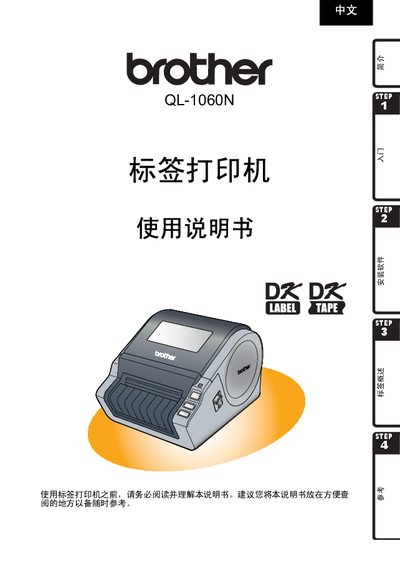
This manual explains how to unpack, install and start using the Brother QL‑1060N label printer. It covers connecting the power cord, installing the DK series label ribbon, and installing the required software on Windows systems.
Safety and handling guidelines are detailed, including warnings against water exposure, improper disassembly, and using non‑genuine accessories. The guide also describes label types, proper storage of ribbons, and troubleshooting tips for common issues. This manual is written in Chinese.
| Input voltage | 220‑240 V AC |
|---|
Only the power cord supplied with the printer should be used.
Only genuine Brother accessories and consumables should be used.