
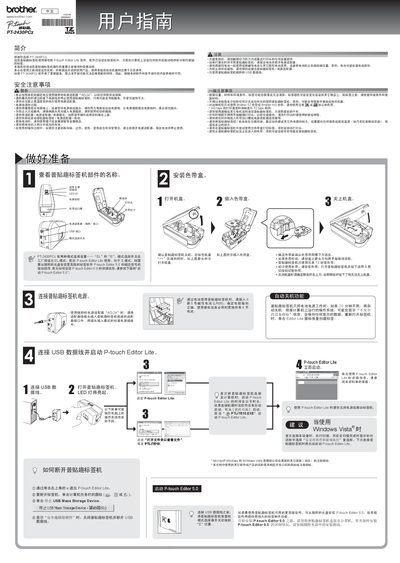
This manual introduces the PT-2430PCz label printer, its components, and safety precautions. It explains how to install the supplied AD-24 power adapter, insert batteries, and connect the device via USB.
Detailed sections cover using P‑touch Editor Lite, selecting tape types, printing options, troubleshooting, and environmental disposal. The guide also provides contact information for Brother support. This manual is written in Chinese.
| Dimensions (W×L×H) | 67 mm × 188 mm × 111 mm |
|---|---|
| Weight (without battery and tape) | 570 g |
| Power adapter | AD‑24 |
| Battery type | Alkaline LR06 (AA) |
| TZ tape widths | 3.5 mm, 6 mm, 9 mm, 12 mm |
Use the supplied AD‑24 power adapter to avoid damage or malfunction.
Remove the old battery and insert a new LR06 (alkaline AA) battery.
Turn the device off, disconnect the USB cable, then reconnect it, or power‑cycle using the AD‑24 adapter.