
This document is an instruction manual for JVC HR-J590/J593/J599EU and HR-J290/J293EU English video cassette recorders. The document includes descriptions of the recorder's buttons, connectors, and indicators, the layout of the front and rear panels, instructions for using the remote control, on-screen display and main menu operation, basic connections and initial settings, video channel set, language set, clock set, and tuner set, playback and recording operations, timer recording and SHOWVIEW® timer programming, checking, canceling, or changing program settings, editing operations, editing with another video recorder or camcorder, system connections, connecting to a satellite receiver, connecting/using a decoder, connecting/using a stereo system (HR-J590/J593/J599EU only), subsidiary settings, child lock, and product specifications and safety precautions.
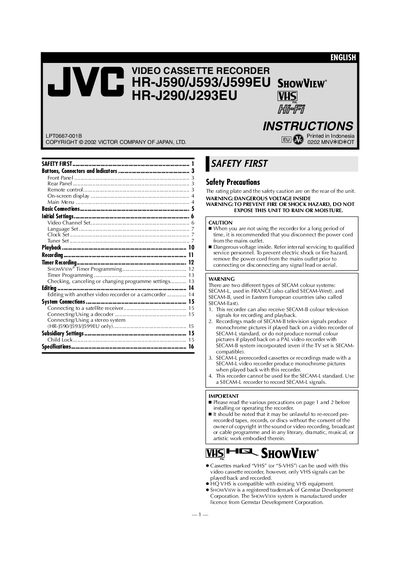
This manual covers the JVC HR‑J590/HR‑J593/HR‑J599EU and HR‑J290/HR‑J293EU video cassette recorders, describing their features, supported cassette formats, and basic operation. It includes safety warnings, remote‑control usage, and connection diagrams for TV, antenna, and audio equipment.
Key sections guide you through initial Plug&Play setup, language selection, clock and tuner configuration, on‑screen display settings, channel programming, and child‑lock functions. The manual also details remote‑control battery replacement, head cleaning, and environmental precautions for reliable performance.
| Remote control maximum distance | about 7.5 m |
|---|---|
| Usable cassette types | Regular VHS (record/play), Super VHS (play only), HQ VHS (compatible) |
| Power‑cord recommendation | Disconnect when not in use |
The remote works up to about 7.5 meters from the recorder.
It can record on regular VHS and Super VHS cassettes, but only VHS signals are recorded and played back.
Use the OSD icon in the main menu; setting it to ON shows status information on the screen, OFF hides it.