
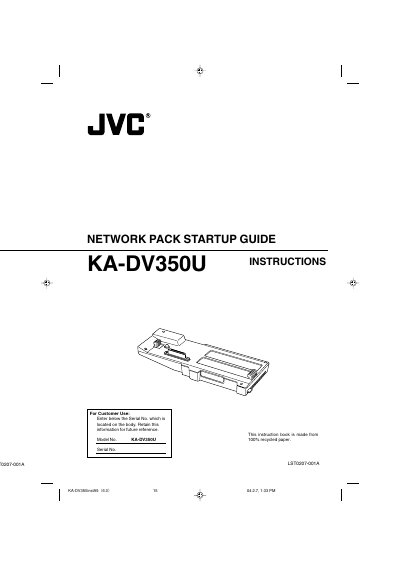
The JVC KA-DV350U Network Pack Startup Guide gives basic instructions for the KA-DV350 Network Pack, an adapter that connects to the GY-DV300 camcorder to encode/decode video and audio data. It covers product components, precautions, uses, controls and connectors, attachment, and Streamproducer installation.
The guide explains that the pack is powered through the connected camera, accepts confirmed wired LAN, wireless LAN, and Compact Flash cards, and includes a CD-ROM with Streamproducer software and PDF user's guides. It also lists required and recommended Streamproducer operating environments and ends with specifications.
| Power supply | Supplied through the connected camera |
|---|---|
| Video data encoding | MPEG-4 |
| Audio data encoding | G726 or peLaw |
| Confirmed wired LAN card | EA2906 194 Revision C*4 (Socket Communications Inc.) |
| Confirmed wireless LAN card | WLI-CF-S11G (BUFFALO INC.) |
| Confirmed Compact Flash card | SDCFB-16-801 (SanDisk Corporation) |
The KA-DV350 is connected to the GY-DV300 camcorder, and settings are made on the camcorder's menu screen.
Power is supplied through the camera connected to the network pack.
Turn the camcorder's power off before attaching the KA-DV350.
Streamproducer software is included for distributing movies on a network.