
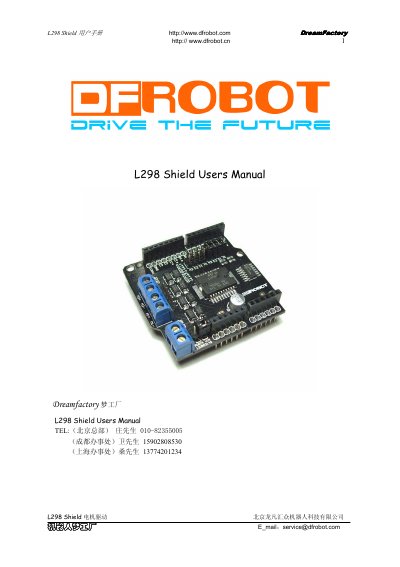
The L298 Shield is an Arduino-compatible high-current motor driver module that uses the L298P chip to drive two DC motors with a maximum current of 2A each. It operates with a 5V logic supply and a 4.8V–35V motor supply, and offers both PWM and PLL control modes selectable via a jumper cap. The board includes screw terminals for motor connections, an external power input, and a power selection jumper to choose between Arduino VIN and external power.
The manual provides a control signal truth table, wiring diagrams, and an Arduino PWM speed control example. It also lists electrical specifications such as logic current (≤36mA), maximum dissipation (25W at 75°C), input voltage thresholds, and an operating temperature range of –25°C to +130°C. The module weighs approximately 29g. This manual is written in Chinese.
| Logic Supply Voltage (VD) | 5V |
|---|---|
| Motor Supply Voltage (VS) | 4.8–35V DC |
| Logic Working Current (Iss) | ≤36mA |
| Motor Output Current (Io) | ≤2A per channel |
| Maximum Dissipation Power | 25W (T=75°C) |
| Control Modes | PWM and PLL |
| Control Input High Level | 2.3V–5V |
| Control Input Low Level | -0.3V–1.5V |
| Operating Temperature | -25°C to +130°C |
| Drive Type | Dual high-power H-bridge |
| Module Weight | ~29g |
The mode is selected by a jumper cap: place it on the PWM pins for PWM mode (default) or on the PLL pins for PLL mode.
Each channel can deliver up to 2A continuous current.
Move both power selection jumpers to the PWRIN position and connect the external supply to the VIN and GND terminals on the external power port.