
This document describes the features and characteristics of the Extron Electronics CVEQ 100 Series and SVEQ 100 Series Composite Video or S-Video and Audio Line Drivers.
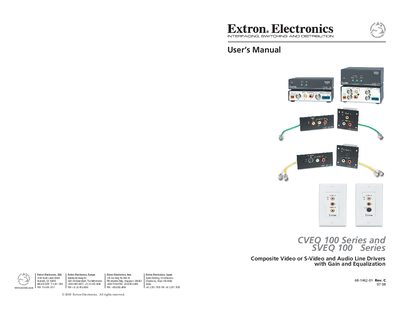
This manual introduces the Extron CVEQ 100 and SVEQ 100 Series line drivers and outlines essential safety precautions, such as reading all safety instructions and using a grounded power source. It also describes the product’s features, including long‑distance video transmission and gain/equalization controls.
Installation procedures cover tabletop, rack, furniture, and wall‑mount options, followed by detailed operation instructions for front‑panel and rear‑panel controls. The appendix lists technical specifications, part numbers, and optional accessories.
| Maximum video transmission distance | 1000 ft (300 m) |
|---|---|
| Gain adjustment range | -1 dB to +3 dB (composite), 0 dB to +10 dB (S‑video C) |
| Equalization adjustment range | 0 dB to +7 dB at 5 MHz |
| Power supply | 12 V, 0.2 A max |
| Speaker output impedance | 4 Ω or 8 Ω |
Read and understand all safety and operating instructions, keep the instructions for future reference, and use a grounded power source.
They can drive composite video or S‑Video signals up to 1000 feet (300 meters).
The gain adjustment range is from –1 dB to +3 dB for composite video.