
Key facts
Start here
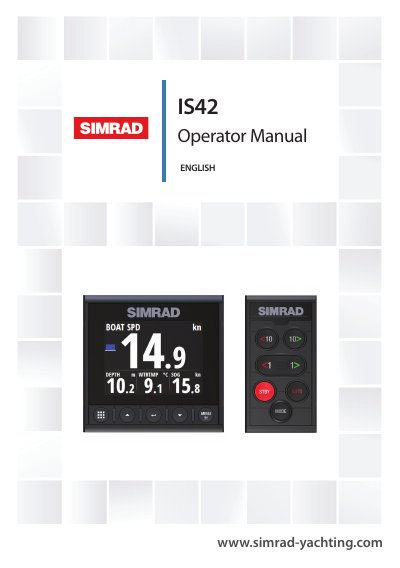
Simrad IS42 Operator Manual
The Simrad IS42 is a networked multifunction instrument designed for marine navigation. It displays data from connected sensors and equipment, calculating metrics such as speed, wind, and trip distance. If a compatible autopilot computer is connected, the unit also displays autopilot status. The manual serves as a reference guide for operating the device, assuming the equipment is installed and configured.
Read onlineSimrad IS42 specifications
| Power Voltage | 12 V DC (10 - 15 V DC) |
|---|---|
| Fuse Rating | 3 A |
| Maximum Power Consumption | 2.16 W |
| Display Size | 4.1" diagonal |
| Resolution | 320 x 240 pixels |
| Brightness | 1200 nits |
| Waterproof Rating | IPx7 |
| Operating Temperature | -25° to +65ºC |
Source: Simrad IS42J Operator Manual
All Simrad IS42 documents by type
Day-to-day operation, settings and troubleshooting. Start here if the product is already set up.
Questions answered in these manuals
What is the operating temperature range for the IS42J?
The device operates between -25° and +65ºC.
How do I enter edit mode for a field?
Press the Enter key to make the field enter edit mode.
How is the IS42 powered on?
The IS42 has no power button; it runs continuously as long as the NMEA 2000 network backbone is powered.
What is the governing language of the documentation?
The English language version of the Documentation is the official version in case of any conflict with translations.
How do you turn the unit on and off?
The unit has no power key and runs as long as power is connected to the NMEA 2000 network backbone.