
Key facts
- Brand
- Simrad
- Model
- IS35
- Category
- Monitor
- Industry
- Electronics
- Documents
- 2
- Languages
- EN
- Last added
- 2026-11-17
Start here
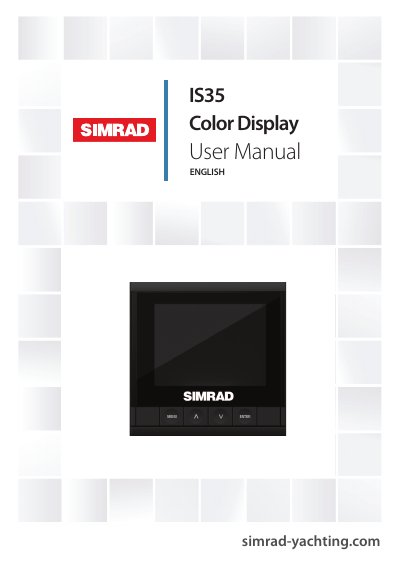
Simrad IS35 Color Display User Manual
The Simrad IS35 Color Display is a networked gauge designed to display a vessel's engine data and fuel tank information. It also supports instrument data such as speed, depth, heading, position, wind, and environmental data from optional sensors connected to the network. The device features a 3.5-inch color LCD screen with a resolution of 320 x 240 pixels.
Read onlineSimrad IS35 specifications
| Weight | 0.28 kg (0.60 lbs) |
|---|---|
| Power consumption | 130 mA at 13.5V |
| Network load | Maximum 10 gauges |
| Color | Black |
| Display size | 3.5” (Diagonal) |
| Aspect ratio | 4:3 |
| Type | Transmissive TFT-LCD |
| Resolution | 320 x 240 pixels |
| Protection | IPX7 |
| Operating temperature | -15C to +55 ºC (+5 to +131 ºF) |
| Storage temperature | -25 to +65 ºC (-13 to +149 ºF) |
All Simrad IS35 documents by type
Day-to-day operation, settings and troubleshooting. Start here if the product is already set up.
Questions answered in these manuals
How do I upgrade the IS35 Color Display software?
Save the latest .upd file to a USB mass storage device, turn the power on, and the gauge will automatically begin the upgrade procedure.
How should the IS35 gauge be cleaned?
Use fresh water and a mild soap solution, and avoid chemical cleaners and hydrocarbons such as diesel or petrol.
What software version is this manual written for?
This manual is written for Simrad IS35 Color Display software version 1.0.
Can the user edit information on fixed data pages?
No, the information displayed on fixed data pages cannot be edited by the user.