
Key facts
- Manuals
- 4
- Languages
- ZH · EN
- Last added
- 2026-10-01
Featured Simrad manuals
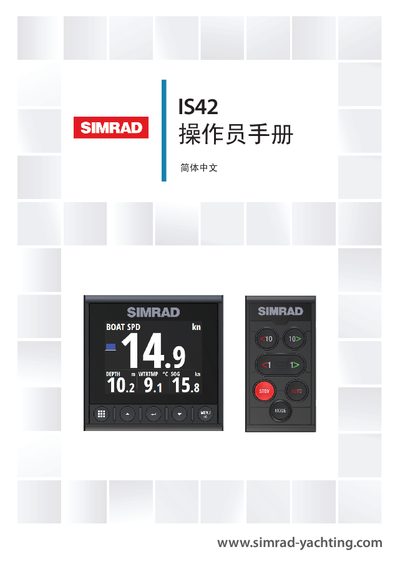
Simrad IS42 Operator Manual
The IS42 is a network‑connected multifunction instrument that displays data from sensors and other devices, such as speed, wind direction, distance, and, when connected, autopilot status. This manual covers everything needed to install, configure, and operate the unit safely.
Key sections include front‑panel key functions, menu navigation, display configuration, AIS features, autopilot control, alert handling, software settings, preventive maintenance, and technical specifications. The manual also references related documents such as the Quick Guide and installation templates. This manual is written in Chinese.
Covers: Introduction · Front Panel and Keys · Basic Operation · Display Settings · AIS Functions · Autopilot
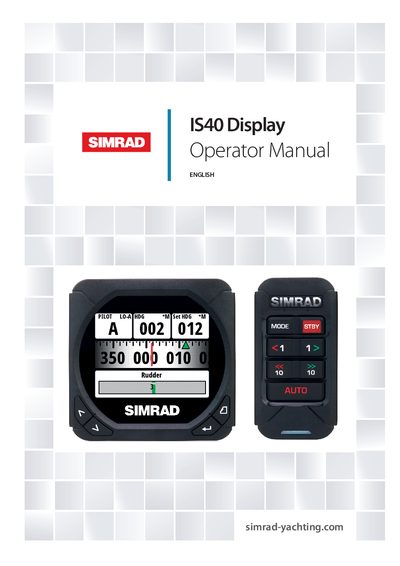
Simrad IS40 Display and OP10 Autopilot Operator Manual
This manual is a reference guide for operating the Simrad IS40 display together with the OP10 autopilot controller. It assumes the equipment is installed and ready, and it covers basic operation, page configuration, system setup, diagnostics, and autopilot functions.
The document includes detailed specifications, dimensional drawings, menu flow charts, and maintenance procedures. It also explains how to update the software via the Simrad website or a compatible multifunction display.
Covers: Operation · Pages · Setup · Diagnostics · Autopilot · Maintenance
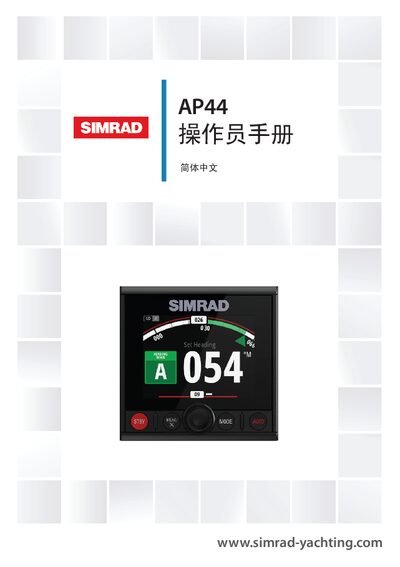
Simrad AP44 Autopilot Display and Control Unit Operator Manual
The AP44 is a network‑connected autopilot display and control unit compatible with a range of Navico autopilot computers. The manual assumes the device is already installed and correctly configured, and that the user has basic navigation knowledge.
It covers front‑panel controls, menu navigation, various autopilot modes, safety guidelines, preventive maintenance, technical specifications, and supported NMEA 2000 data. The document also includes software‑setting procedures, calibration steps, and troubleshooting information. This manual is written in Chinese.
Covers: Introduction · Front Panel and Keys · Autopilot Pages · Basic Operation · Safety Operation · Power On/Off
Simrad FU25 and FU50 Steering Levers Instruction Manual
This manual provides reference information for operating and correctly installing the Simrad FU25 and FU50 follow‑up steering levers. It includes system description, wiring, mode selection, installation steps, maintenance procedures, spare parts, and technical specifications.
The document also details optional accessories such as the flush mounting kit, compatibility with various autopilot computers, and regulatory compliance for the FU50 model.
Covers: System Description · Operation · Installation · Maintenance · Spare Parts List · Technical Specifications
Latest Simrad manuals
Simrad IS42 Operator Manual
User Manual 76 pages · 3.9 MB · ZHThe Simrad IS42 Operator Manual provides instructions for basic operation, display settings, AIS, autopilot, alerts and maintenance.
Simrad IS40 Display and OP10 Autopilot Operator Manual
User Manual 64 pages · 6 MB · ENThe Simrad IS40 Operator Manual provides instructions for operating the IS40 display and OP10 autopilot controller, including setup, navigation pages, and…
Simrad AP44 Autopilot Display and Control Unit Operator Manual
User Manual 54 pages · 2.1 MB · ZHThe Simrad AP44 Operator Manual provides installation, configuration, operation, and maintenance instructions for the AP44 autopilot display and control unit.
Simrad FU25 and FU50 Steering Levers Instruction Manual
User Manual 28 pages · 364 KB · ENInstruction manual for Simrad FU25 and FU50 follow‑up steering levers covering operation, installation, maintenance and specifications.
Which document do I need?
User Manual
Day-to-day operation, settings and troubleshooting. Start here if the product is already set up.
Questions answered in Simrad manuals
How is the IS42 powered on?
The IS42 has no power button; it runs continuously as long as the NMEA 2000 network backbone is powered.
How many default data pages does the IS40 display show?
The IS40 display shows eight default data pages.
From: Simrad IS40 Display and OP10 Autopilot Operator Manual
What is the power consumption of the IS40 display?
The display consumes 155 mA at 13.5 V.
From: Simrad IS40 Display and OP10 Autopilot Operator Manual
How do you turn the AP44 on and off?
The unit has no power button; it runs continuously as long as the NMEA 2000 network backbone is powered.
From: Simrad AP44 Autopilot Display and Control Unit Operator Manual
What maintenance tasks are recommended for the AP44?
Preventive maintenance includes cleaning the display, checking connectors, and performing software updates.
From: Simrad AP44 Autopilot Display and Control Unit Operator Manual
Which autopilot computers are compatible with the FU25?
The FU25 is intended for autopilot systems using the ACOS5, AC10, AC20 and AC40 Autopilot Computers.
From: Simrad FU25 and FU50 Steering Levers Instruction Manual