
Key facts
- Brand
- Simrad
- Model
- RS40
- Category
- Other Electronics
- Documents
- 3
- Languages
- EN
- Last added
- 2026-10-03
Start here
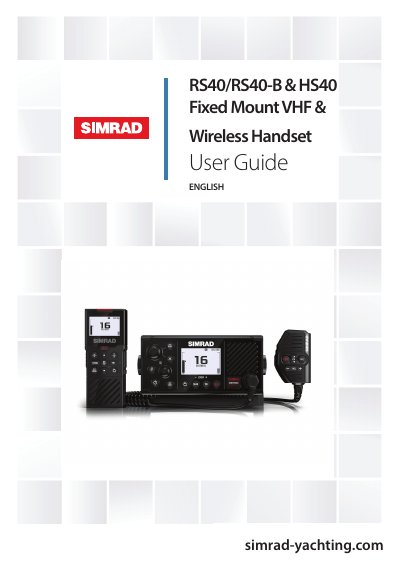
Simrad RS40/RS40-B & HS40 Fixed Mount VHF and Wireless Handset User Guide
The document serves as a comprehensive user manual for the Simrad RS40/RS40-B Fixed Mount VHF radio and the HS40 Wireless Handset. It provides instructions on initial setup, including entering valid USER MMSI and ATIS ID numbers required for DSC and ATIS functions.
The guide details regulatory compliance statements for various regions, including the EU, USA (FCC), Canada, Australia, and New Zealand. Specific attention is given to RF exposure limits, requiring a minimum separation distance of 2.1 meters between the antenna and persons during operation.
All Simrad RS40 documents by type
Day-to-day operation, settings and troubleshooting. Start here if the product is already set up.
Questions answered in these manuals
How do I access the DSC setup menu?
Select the DSC SETUP option from the main menu to configure DSC parameters.
What is the geographic range of the radio under normal conditions?
The geographic range is approximately 20 nautical miles.
From: Simrad RS40/RS40-B & HS40 Fixed Mount VHF and Wireless Handset User Guide
What minimum separation distance must be maintained between the Fixed Mount VHF antenna and all persons?
A separation distance of at least 2.1 m must be maintained.
From: Simrad RS40/RS40-B & HS40 Fixed Mount VHF and Wireless Handset User Guide
What is the geographic range of this radio under normal conditions?
The geographic range is approximately 20 nautical miles.
From: Simrad RS40/RS40-B & HS40 Fixed Mount VHF & Wireless Handset User Guide
What minimum separation distance must be maintained between the Fixed Mount VHF antenna and all persons?
A separation distance of at least 2.1 m must be maintained.
From: Simrad RS40/RS40-B & HS40 Fixed Mount VHF & Wireless Handset User Guide