
This manual provides operating instructions for the Simrad IS42J marine display, covering basic operation, menu navigation, display settings, and maintenance.
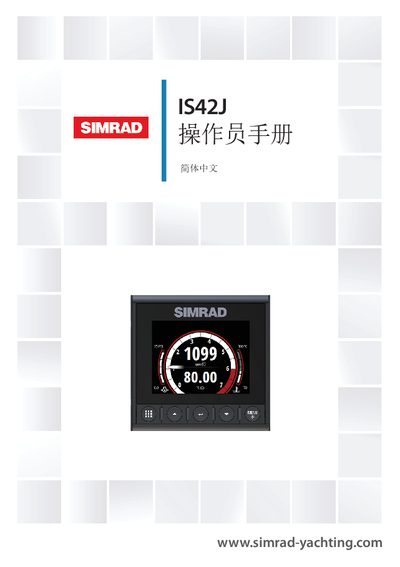
The Simrad IS42J Operator Manual serves as a reference guide for the installation, configuration, and use of the IS42J device. It assumes the device is already installed and correctly configured. The guide covers essential topics such as basic operation, display settings, page selection, and system alerts. This manual is written in Chinese.
| Power Voltage | 12 V DC (10 - 15 V DC) |
|---|---|
| Fuse Rating | 3 A |
| Maximum Power Consumption | 2.16 W |
| Display Size | 4.1" diagonal |
| Resolution | 320 x 240 pixels |
| Brightness | 1200 nits |
| Waterproof Rating | IPx7 |
| Operating Temperature | -25° to +65ºC |
The device operates between -25° and +65ºC.
Press the Enter key to make the field enter edit mode.
Unauthorized changes may cause the user to lose the right to operate the device.