
The Simrad IS42 Operator Manual provides instructions for basic operation, display settings, AIS, autopilot, alerts and maintenance.
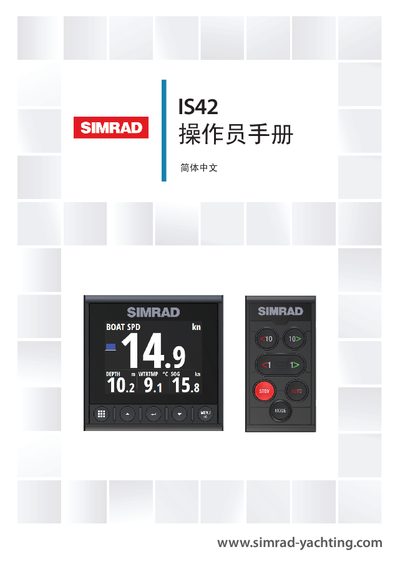
The IS42 is a network‑connected multifunction instrument that displays data from sensors and other devices, such as speed, wind direction, distance, and, when connected, autopilot status. This manual covers everything needed to install, configure, and operate the unit safely.
Key sections include front‑panel key functions, menu navigation, display configuration, AIS features, autopilot control, alert handling, software settings, preventive maintenance, and technical specifications. The manual also references related documents such as the Quick Guide and installation templates. This manual is written in Chinese.
| Weight | 0.32 kg (0.7 lb) |
|---|---|
| Power consumption (backlight off) | 1.35 W (100 mA @13.5 V) |
| Power consumption (backlight max) | 2.16 W (160 mA @13.5 V) |
| Display size | 4.1 inches (diagonal) |
| Resolution | 320 × 240 pixels |
| Waterproof rating | IPx7 |
| Operating temperature range | -25 °C to +65 °C |
The IS42 has no power button; it runs continuously as long as the NMEA 2000 network backbone is powered.