
Magellan RoadMate 1440 GPS Receiver User Manual
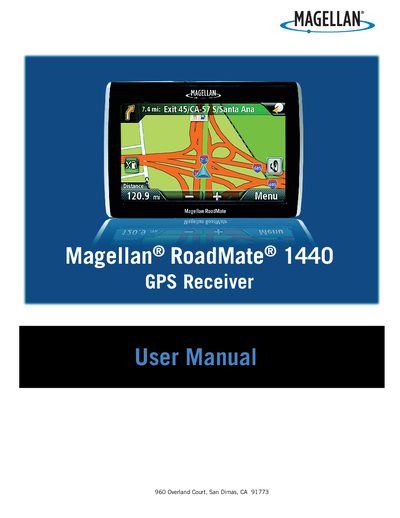
This user manual explains how to safely install the Magellan RoadMate 1440 GPS receiver, covering mounting guidelines, power connections, and battery handling. It includes important safety warnings such as checking state regulations for windshield mounting and ensuring the device does not obstruct the driver’s view.\n\nThe guide details everyday operation, including powering on, navigating menus, entering addresses, using traffic and coupon features, and adjusting settings like brightness, volume, and language. It also describes battery charging, optional accessories, and troubleshooting tips.
| Maximum operating temperature | 140°F (60°C) |
|---|---|
| Battery type | Rechargeable, non‑removable |
| Power input (adapter) | +5 VDC / 2 A |
Follow the safety warnings: check local regulations for windshield mounting and ensure the unit does not obstruct the driver’s view or interfere with vehicle safety devices.
The device operates up to 140°F (60°C). The battery stops charging below 32°F (0°C) or above 113°F (45°C).
Install the optional Traffic Link accessory; traffic data is then automatically activated without a subscription.