
Magellan RoadMate 1470 GPS Receiver User Manual

This manual describes how to operate the Magellan RoadMate 1470 GPS Receiver.
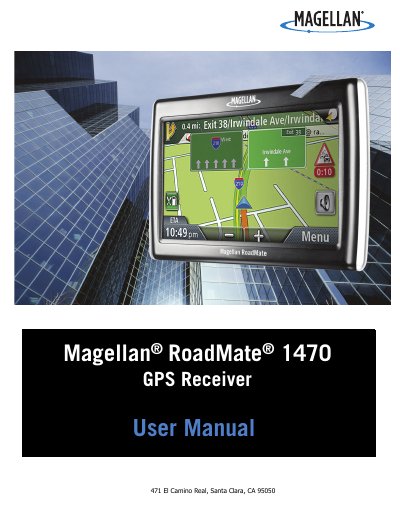

Magellan RoadMate 1470 GPS Receiver User Manual - cover page
Brand
Magellan
Category
GPS
Document type
User Manual
Language
English
Pages
44
File format
PDF
File size
6.2 MB
Published
17 October, 2023
Updated
17 October, 2023
MD5 checksum
C84750127A012ECFA460A515259700CC

About this manual

This manual covers the installation of the Magellan RoadMate 1470 GPS receiver, including selecting a location and securing the car cradle to the windshield or adhesive disk. It details how to attach the device to the cradle and adjust the mount for optimal viewing.

What's inside

  • Installation Instructions
  • Selecting the Location
  • Using the Adhesive Disk
  • Securing the Car Cradle
  • Attaching the Receiver
  • Adjusting the Mount
  • Contacting Power
  • Checking Battery Level
  • Volume and Brightness
  • Main Menu

Specifications

Maximum Operating Temperature140°F (60°C)
Charging Timeapproximately 4 hours
Estimated Battery Usageapproximately 2 hours

Frequently asked questions

Can I mount the receiver on my windshield?

You should check applicable state regulations, as certain states prohibit mounting items on the windshield.

Who should enter data while the vehicle is moving?

Only a vehicle passenger should enter data or program the receiver while the vehicle is moving.

What is the maximum operating temperature?

The maximum operating temperature is 140°F (60°C).

Download PDF (6.2 MB)

More Magellan Manuals


View all Magellan manuals →