
This is a user manual for Magellan eXplorist 310 GPS receiver. It introduces the basics of using the receiver, including how to select a button or icon, how to install batteries, and how to replace batteries.
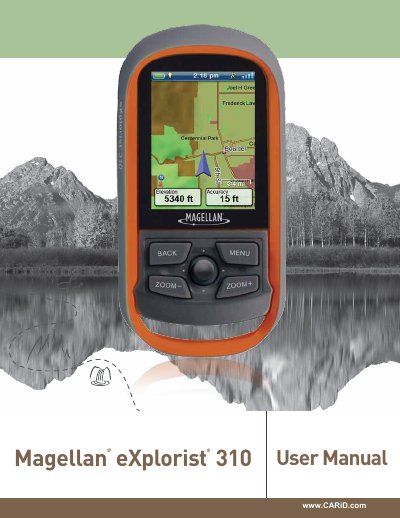
This manual explains how to use the Magellan eXplorist 310 GPS receiver, including installing batteries, setting power options, and navigating maps. It covers basic operations like using the joystick, accessing menus, and creating waypoints. The guide also explains how to customize settings such as backlight brightness and suspend timers to conserve battery life.
The device supports two main map modes: Navigate and Pan. In Navigate mode, it shows your current location, track history, and route guidance. In Pan mode, users can explore the map to create waypoints or routes. The manual includes instructions for managing tracks, viewing track summaries, and creating backtrack routes.
Remove the battery door by raising the arm and turning it counter-clockwise. Install two AA batteries, then replace the door and lock it in place.
Lithium, alkaline, or rechargeable batteries can be used, but both batteries must be of the same type.
Go to Tools > Settings > Brightness & Volume, then adjust the brightness slider.