
Key facts
- Brand
- Lumens
- Model
- LC200
- Category
- Other Electronics
- Industry
- Electronics
- Documents
- 3
- Languages
- RU · ZH
- Last added
- 2026-11-22
Start here
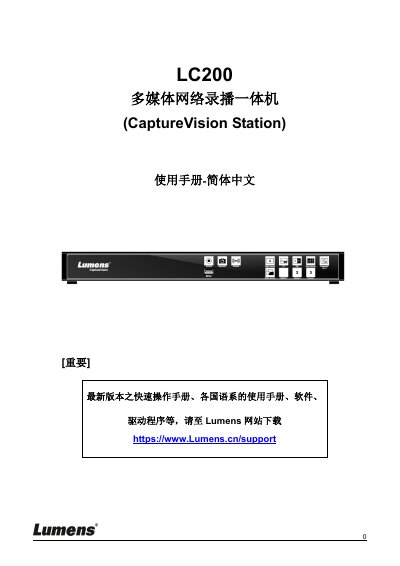
Lumens LC200 Multimedia Network Recording System Quick Operation Guide
The Lumens LC200 is a multimedia network recording system designed to capture, stream, and manage video content. This document serves as a quick reference for users, covering essential topics such as safety precautions, accessory lists, and hardware interface descriptions including front and rear panels.
The guide details the installation process and functional operations of the device. It explains how to configure system parameters like host identification and time settings, manage recording archives (upload/download/delete), and utilize features such as real-time operation menus and online production switching. This manual is written in Chinese.
Lumens LC200 specifications
| Video Inputs | 4 HDMI, 3 IP |
|---|---|
| Audio Inputs | 4 analog stereo, 4 HDMI digital |
| Recording Resolution | 1080p 60/30 fps |
| Ethernet | 10/100/1000 Base-T |
| Dimensions | 122.5mm (D) x 431mm (W) x 44.3mm (H) |
Source: Lumens CaptureVision LC200 Media Processor User Manual
All Lumens LC200 documents by type
Day-to-day operation, settings and troubleshooting. Start here if the product is already set up.
Questions answered in these manuals
What video sources does the LC200 support?
It supports up to 4 HDMI or 3 IP video sources.
From: Lumens CaptureVision LC200 Media Processor User Manual
What is the maximum recording resolution?
It supports 1080p at 60 or 30 frames per second.
From: Lumens CaptureVision LC200 Media Processor User Manual
What is the power requirement for the LC200?
The LC200 requires a 12V DC power connection.
What are the default login credentials for the web management interface?
The default username is admin and the password is admin.
What is the required power input for this device?
The device requires a DC12V power adapter connected to mains electricity.
From: Lumens LC200 Multimedia Network Recording System Quick Operation Guide
How can I reset the system if I forget the password?
Press and hold the Snapshot and Switch Channel buttons on the panel for about 5 seconds.
From: Lumens LC200 Multimedia Network Recording System Quick Operation Guide