
Key facts
- Brand
- GlobalSat
- Model
- LT-200
- Documents
- 2
- Languages
- EN
- Last added
- 2023-10-18
Start here
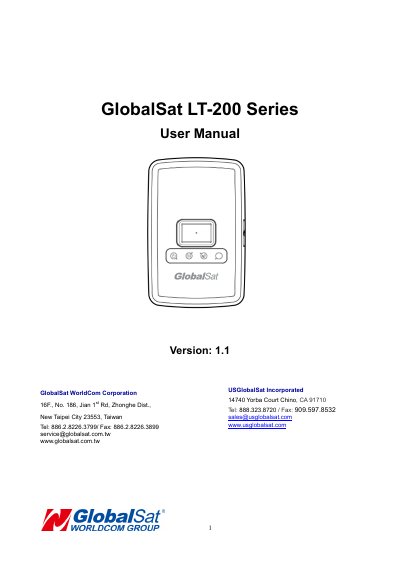
GlobalSat LT-200 Series User Manual
The GlobalSat LT-200 is a compact, portable LoRa tracking device with fast GPS acquisition. It connects to LoRa wireless networks and can be remotely configured. The device features LED indicators for power, LoRa, and GPS status, and includes a battery charging port and lanyard holes. It is designed for use with the Moving Object Security & Tracking Solution (M.O.S.T.).
Operation includes charging the battery for 4 hours before first use, turning the device on or off by holding the power button, and performing a hard reset by holding the button for 8–10 seconds. Safety and FCC compliance information is included for proper use.
GlobalSat LT-200 specifications
| Product Type | LoRa tracking device |
|---|---|
| Charging Time | at least 4 hours |
| Power On Duration | 3 seconds |
| Power Off Duration | 3 seconds |
| Hard Reset Duration | 8 to 10 seconds |
| Geo-fence Radius | 200 meters |
All GlobalSat LT-200 documents by type
Day-to-day operation, settings and troubleshooting. Start here if the product is already set up.
Questions answered in these manuals
How do I turn the LT-200 on or off?
To turn the device “ON”, press and hold the power button for 3 seconds. To turn it “OFF”, press and hold the power button for 3 seconds until the device vibrates.
How long should I charge the LT-200 for the first time?
Allow at least 4 hours of battery charging time to fully charge the device before use.
How do I turn the device on?
Press and hold the power button for 3 seconds.
How do I perform a hard reset?
Press and hold the power button for 8 to 10 seconds.