
Key facts
- Brand
- GlobalSat
- Model
- LT-100 Series
- Documents
- 4
- Languages
- ZH · EN
- Last added
- 2023-10-18
Start here
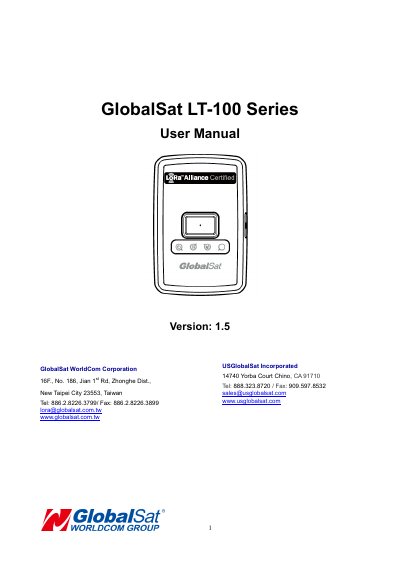
GlobalSat LT-100 Series Asset Tracker User Manual
The GlobalSat LT-100 is a sleek, compact, and feature-rich asset monitoring and tracking device. It is a LoRaWAN compliant RF tracker designed for asset tracking, pet tracking, and personal monitoring of children and elderly individuals. The device includes a built-in help button for emergency reporting and is compatible with LoRaWAN compliant gateways.
Read onlineGlobalSat LT-100 Series specifications
| Product Type | LoRaWAN compliant RF Tracker |
|---|---|
| Charging Time | 4 hours |
| Hard Reset Duration | 8 to 10 seconds |
| GPS Fix Time for Help | 15 seconds |
All GlobalSat LT-100 Series documents by type
Day-to-day operation, settings and troubleshooting. Start here if the product is already set up.
Questions answered in these manuals
How do I turn the LT-100 on or off?
Press and hold the power button until the device vibrates.
What does the help button do?
When long pressed, it sends an immediate help report, then every 30 seconds until server acknowledgement and GPS fix.
How do I turn the LT-100 on or off?
Press and hold the power button until the device vibrates. To turn off, press and hold until it vibrates. To hard reset, press and hold for 8 to 10 seconds.
What does the help button do?
When long pressed, the LT-100 sends an immediate help report. It then sends reports every 30 seconds until it receives server acknowledgement and GPS fix.
How do I turn the device on?
Press and hold the power button until the device vibrates.
How do I perform a hard reset?
Press and hold the power button for 8 to 10 seconds.