
This document is the GlobalSat LT-200 Series user manual, which introduces the features and functions of the product.
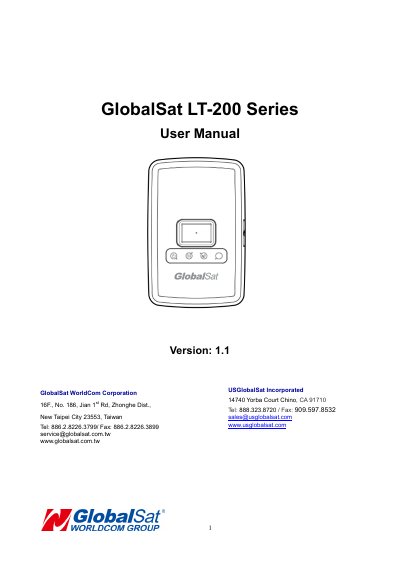
The GlobalSat LT-200 is a compact, portable LoRa tracking device with fast GPS acquisition. It connects to LoRa wireless networks and can be remotely configured. The device features LED indicators for power, LoRa, and GPS status, and includes a battery charging port and lanyard holes. It is designed for use with the Moving Object Security & Tracking Solution (M.O.S.T.).
Operation includes charging the battery for 4 hours before first use, turning the device on or off by holding the power button, and performing a hard reset by holding the button for 8–10 seconds. Safety and FCC compliance information is included for proper use.
To turn the device “ON”, press and hold the power button for 3 seconds. To turn it “OFF”, press and hold the power button for 3 seconds until the device vibrates.
Allow at least 4 hours of battery charging time to fully charge the device before use.
The GPS LED blinking slowly (once every 3 seconds) indicates that the LT-200 receives a GPS fix.