
Key facts
- Brand
- GlobalSat
- Model
- LT-100
- Category
- Other Electronics
- Documents
- 5
- Languages
- EN
- Last added
- 2026-10-24
Start here
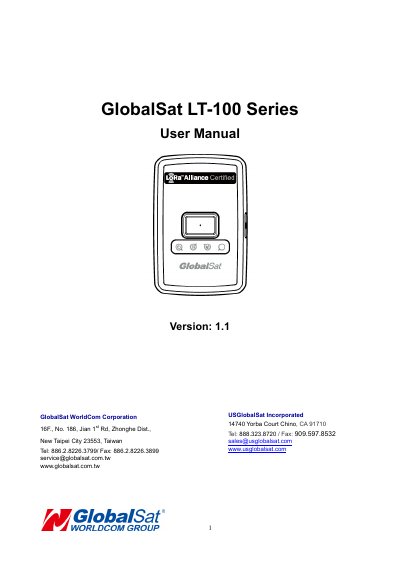
GlobalSat LT-100 Series User Manual
The GlobalSat LT-100 is a compact, LoRaWAN compliant RF tracker designed for asset tracking, pet monitoring, and personal safety. It features a built-in help button for emergency notifications and a high-capacity battery capable of up to 4 weeks of usage on a single charge. The device is compatible with LoRaWAN compliant gateways and includes Asia's first LoRaWAN certified module by GlobalSat.
Operation involves charging the device via USB for at least 4 hours before first use. Users can control the device using a power button to turn it on/off or perform a hard reset. The device features three LED indicators (Power, LoRa, and GPS) that display the current status, such as charging state, data transmission, and GPS signal acquisition.
GlobalSat LT-100 specifications
| LoRa Frequency | 902~928MHz |
|---|---|
| Internal Flash Memory | 256K bytes |
| External Flash Memory | 32Mb ytes |
| Battery Capacity | 820mAh |
| Operating Temperature (with Battery) | -20 ~ 60℃ |
| Waterproof Rating | IPX7 Protected |
Source: GLOBALSAT LT-100H LoRaWAN Tracker Specifications Sheet
All GlobalSat LT-100 documents by type
Day-to-day operation, settings and troubleshooting. Start here if the product is already set up.
Questions answered in these manuals
What is the GLOBALSAT LT-100H tracker designed for?
It is designed for asset tracking, pet tracking, and personal monitoring of children and elderly.
From: GLOBALSAT LT-100H LoRaWAN Tracker Specifications Sheet
How long does the battery last when reporting every 0.5 hours?
The battery allows up to 5 Weeks of usage without charging.
From: GLOBALSAT LT-100H LoRaWAN Tracker Specifications Sheet
How do I turn the device on?
Press and hold the power button until the device vibrates.
How long does it take to charge the battery?
It requires at least 4 hours of charging time.
How do I turn the device on and off?
Press and hold the power button until the device vibrates to turn it on or off.
Can I use this device on an airplane?
No, you must consult your airline prior to operating this product in the aircraft.