
This manual introduces the features and characteristics of the GARMIN GTX 327 Mode A/C Transponder, including the functions, operation methods, and usage precautions of the product.
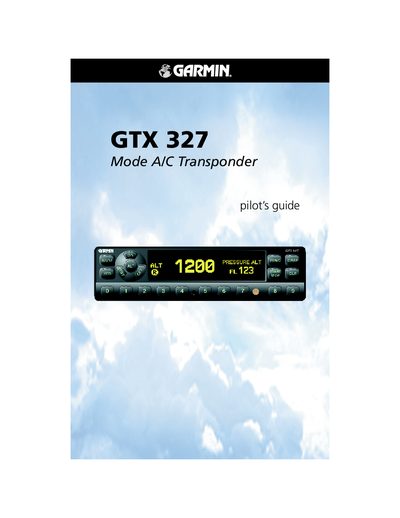
This manual provides operating instructions for the Garmin GTX 327 Mode A/C transponder, covering power‑on procedures, mode selection, code entry, and the IDENT function. It also describes the configuration mode, timer features, and altitude display options.
Additional sections cover warranty information, altitude trend indicators, automatic standby switching, and detailed key functions such as FUNC, CRSR, CLR, and the numeric keys used for code and timer entry.
| Number of identification codes | 4,096 |
|---|---|
| Altitude display units | feet, hundreds of feet (flight level), or meters |
| Power‑on keys | OFF, STBY, ON, ALT or remote avionics master switch |
Press the STBY, ON, or ALT keys, or use a remote avionics master switch to turn the unit on.
Press the IDENT key; the transponder sends a special pulse for 18 seconds and displays “IDENT” on the screen.