
This manual describes how to install and configure the Garmin GTX 327 airborne transponder.
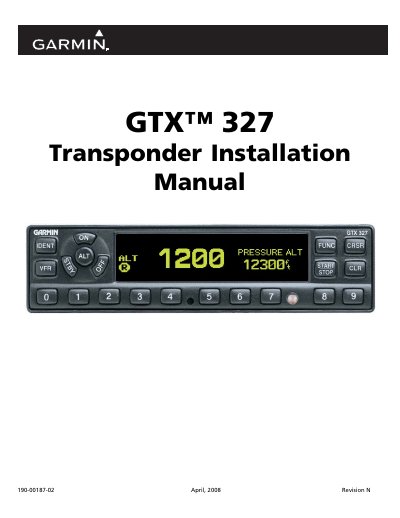
This manual provides installation instructions for the Garmin GTX 327 transponder, including equipment descriptions, installation overview, and specific procedures for unpacking the unit and making electrical connections. It details the placement of circuit breaker placards and post-installation configuration steps.
The document also covers system interconnects for power, lighting, altitude functions, and discrete inputs/outputs. It includes wiring diagrams for connections with various Garmin navigation units (such as the GNS 480 and GDL 90) and GPS receivers, along with assembly and interconnect drawings.
| Software Version Required | 2.10 |
|---|---|
| Wire Gauge | 24 AWG or larger |
| Diode Rating for Encoder Power | 3 Amp, 50 Volts |
This manual is written for software version 2.10 and is not suitable for earlier versions.
All wires should be 24 AWG or larger unless otherwise noted.
No, the GPS can only receive RS-232 serial data from one GTX 327 unit at a time.