
Quick installation guide for the FANVIL i30 SIP video door phone, covering package contents, specifications, mounting, SIP settings, and door unlocking.
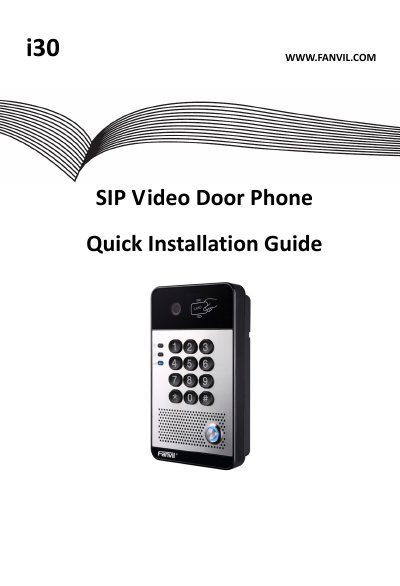
This guide covers the FANVIL i30 SIP video door phone. It lists package contents and physical specifications, then explains how to install the intercom on a wall.
The document also describes how to search for the door phone, configure SIP settings, and set up door unlocking using a local password, remote password, or RFID card.
| Device size | 160 x 93 x 35 mm |
|---|---|
| Weight | 330g |
| Default Static IP Address | 192.168.1.179 |
| Default Web Port | 80 |
| Default Login User Name | admin |
| Default Login Password | admin |
| Default Local Password | 6789 |
Press and hold the “#” key for 3 seconds, or use the iDoorPhone Network Scanner.
Both the default login user name and password are admin.
The default local password is 6789.
Add the RFID card ID to the Door Card Table, then touch the card to the RFID area.