
Key facts
- Brand
- Edimax
- Model
- AC-M1000
- Documents
- 2
- Languages
- EN
- Last added
- 2023-10-17
Start here
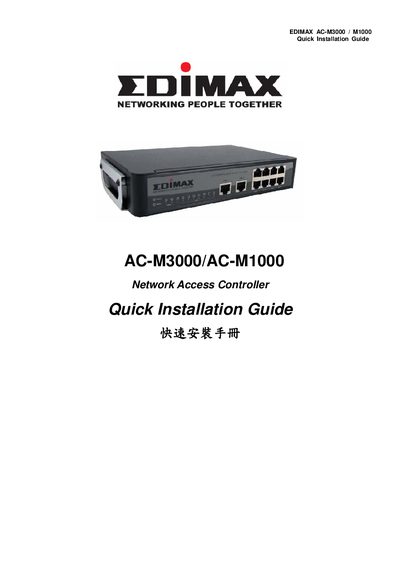
Edimax AC-M3000 / AC-M1000 Network Access Controller Quick Installation Guide
The guide provides step‑by‑step hardware installation for the Edimax AC‑M3000 and AC‑M1000 Network Access Controllers, including power connection, Ethernet cabling, and console access. It also describes the front‑panel ports, LEDs, and physical dimensions of the devices.
After hardware setup, the document explains how to access the web management interface, configure basic system settings, change the admin password, set WAN connection types, and add local users. It includes screenshots of the configuration wizard and instructions for saving settings and restarting the controller.
Edimax AC-M1000 specifications
| Dimensions | 243 mm x 150 mm x 45.5 mm |
|---|---|
| Weight | 1.4 Kg |
| Operating Temperature | 0 ~ 45 ℃ |
| Storage Temperature | 0 ~ 65 ℃ |
| Power | 110~220 VAC, 50/60 Hz |
| Ethernet Interfaces | 10 x Fast Ethernet (10/100 Mbps) |
| WAN Ports | 2 x 10BASE-T/100BASE-TX RJ-45 |
| LAN Ports | 8 x 10BASE-T/100BASE-TX RJ-45 |
| Concurrent Users (AC-M3000) | 120 |
| Local Accounts (AC-M3000) | 500 |
| On-demand Accounts | 2,000 |
| Managed APs (AC-M3000) | 12 |
| VPN Tunnels (AC-M3000) | 120 |
| VPN Throughput (AC-M3000) | 30 Mbps |
Source: Edimax AC-M3000/AC-M1000 Network Access Controller User's Manual
All Edimax AC-M1000 documents by type
Day-to-day operation, settings and troubleshooting. Start here if the product is already set up.
The shortest path to a working setup, usually only a few pages.
Questions answered in these manuals
What are the main features of the Edimax AC-M3000/AC-M1000?
The device supports user authentication, access control, AP management, and security management for small-scale wireless and wired networks. It includes features like DHCP, NAT, VPN pass-through, and role-based access control.
From: Edimax AC-M3000/AC-M1000 Network Access Controller User's Manual
How many concurrent users can the AC-M3000 support?
The AC-M3000 supports up to 120 concurrent users.
From: Edimax AC-M3000/AC-M1000 Network Access Controller User's Manual
How do I access the web management interface?
Connect a PC to one of the LAN5‑LAN8 ports, open a browser and go to https://192.168.2.254, then log in with the default username “admin” and password “1234”.
From: Edimax AC-M3000 / AC-M1000 Network Access Controller Quick Installation Guide
What are the default login credentials?
The default username is “admin” and the default password is “1234”.
From: Edimax AC-M3000 / AC-M1000 Network Access Controller Quick Installation Guide