
Key facts
- Brand
- Edimax
- Model
- EW-7722UTn
- Category
- Other Computer Accessories
- Documents
- 2
- Languages
- EN
- Last added
- 2023-10-17
Start here
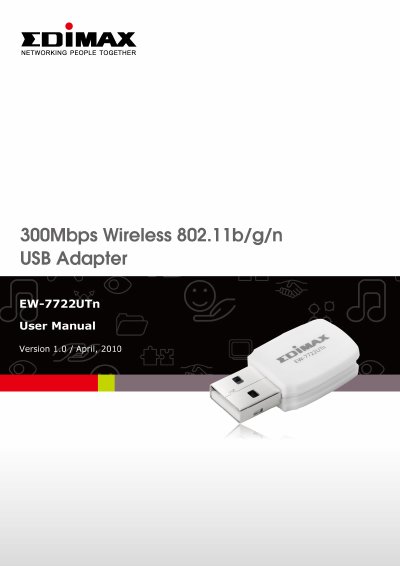
Edimax EW-7722UTn 300Mbps Wireless USB Adapter User Manual
This document is the User Manual for the Edimax EW-7722UTn, a 300Mbps Wireless USB Adapter compliant with 802.11b/g/n standards. It provides instructions for installing the network card, connecting to wireless access points, and managing profiles using the included EZmax utility or Windows Zero Configuration. The guide also covers advanced settings such as WMM, WPS configuration, and Soft-AP functionality.
Read onlineEdimax EW-7722UTn specifications
| Wireless Standards | 802.11b/g/n |
|---|---|
| Data Rate | up to 300Mbps |
| Interface | USB 2.0/1.1 |
| Operating Systems | Windows XP/Vista/7 |
| Minimum Memory | 256MB RAM |
| Minimum Hard Disk Space | 100MB |
Source: Edimax EW-7722UTn 300Mbps Wireless USB Adapter User Manual
All Edimax EW-7722UTn documents by type
Day-to-day operation, settings and troubleshooting. Start here if the product is already set up.
Questions answered in these manuals
What is the maximum data transfer rate of this adapter?
The data transfer rate is up to 300Mbps, which is 5 times faster than 802.11g wireless networks.
From: Edimax EW-7722UTn 300Mbps Wireless USB Adapter User Manual
Can this adapter be used with USB 1.1 ports?
It may not work on a USB 1.1 port, and if it does, performance will be greatly reduced.
From: Edimax EW-7722UTn 300Mbps Wireless USB Adapter User Manual
What should I do if the Network icon doesn’t appear?
Check if your OS supports Plug-and-Play; if not, install the driver manually as described in Section III.
What operating systems does the Edimax EW-7722UTn V3 support?
Windows 7 / 8 .x / 10 and macOS 10.11 ~ 10.15.