
The Dell™ Inspiron™ 1090 Service Manual provides instructions on how to remove and replace the ambient light sensor board.
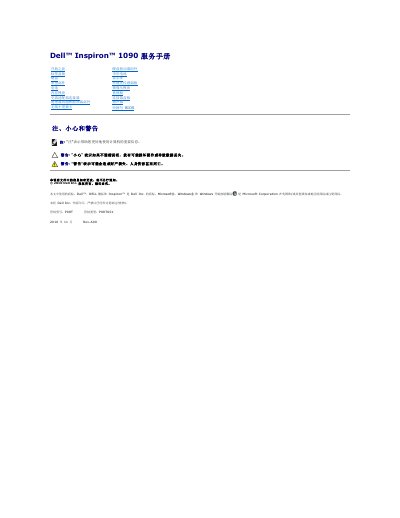
This service manual for the Dell Inspiron 1090 laptop (regulatory model P08T, type P08T001) provides step-by-step removal and reinstallation procedures for internal components, including the ambient light sensor board, battery, keyboard, palm rest, memory module, display, camera module, system board, speakers and coin-cell battery. It also covers flashing the BIOS and lists the tools recommended for the procedures.
Safety warnings are repeated throughout: the computer should be shut down and unplugged, the battery removed before working inside, and only certified service technicians should perform repairs. Static discharge precautions and proper cable handling are emphasized, and the manual directs readers to www.dell.com/regulatory_compliance for regulatory compliance information. This manual is written in Chinese.
| Regulatory model | P08T |
|---|---|
| Regulatory type | P08T001 |
Go to support.dell.com/support/downloads, find the BIOS update file for your computer, download it to the desktop and double-click the file to run it.
A small flat-blade screwdriver, a Phillips screwdriver and a plastic scribe.
On the label on the bottom of the computer.
Five screws.