
The Dell™ Inspiron™ 1090 Service Manual provides information on how to use and maintain your Dell™ Inspiron™ 1090 laptop.
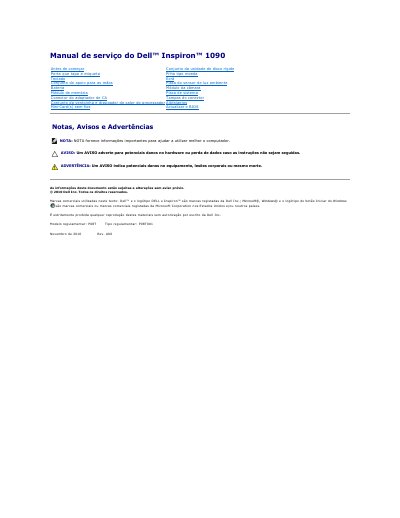
This Dell Inspiron 1090 service manual provides removal and installation procedures for computer components such as the battery, keyboard, ambient light sensor board, and display assembly. It is intended for qualified technicians and includes warnings about electrostatic discharge and unauthorized repairs.
Before working inside the computer, users must turn it off, disconnect all attached devices and power cables, and ground themselves to prevent static damage. The document also lists recommended tools and identifies the regulatory model as P08T. This manual is written in Portuguese.
| Regulatory model | P08T |
|---|---|
| Regulatory type | P08T001 |
Only a qualified and specialized technician should perform repairs; damage from unauthorized Dell interventions is not covered by warranty.
Turn off the computer, disconnect it and attached devices from electrical outlets, and ground yourself using an antistatic wrist strap or by touching an unpainted metal surface.
No. Use only the battery designed for this Dell computer; batteries designed for other Dell computers must not be used.