
Key facts
- Brand
- Dell EMC
- Model
- PowerEdge FC640
- Category
- Servers Computer
- Documents
- 2
- Languages
- EN
- Last added
- 2023-11-24
Start here
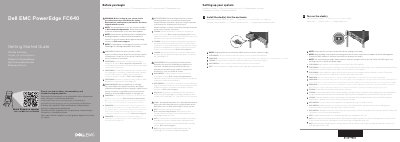
Dell EMC PowerEdge FC640 Getting Started Guide
The Dell EMC PowerEdge FC640 Getting Started Guide provides essential instructions for the initial setup of the server. It emphasizes following safety guidelines and ensuring the operating system is installed before adding third-party hardware or software.
The guide outlines the process for installing sleds into the enclosure and powering them on, while noting the requirement for updated Chassis Management Controller (CMC) firmware and sufficient power supply capacity.
All Dell EMC PowerEdge FC640 documents by type
The shortest path to a working setup, usually only a few pages.
Day-to-day operation, settings and troubleshooting. Start here if the product is already set up.
Questions answered in these manuals
What should be done before installing hardware or software not purchased with the system?
Ensure that the operating system is installed first.
In what order should sleds be installed into the enclosure?
Sleds should be installed from the top, moving from left to right.
What must be done before turning on the sled(s) in the enclosure?
Ensure that the enclosure is powered on before turning on the sled(s).
What should be done before installing a new sled into an existing enclosure?
Update the Chassis Management Controller (CMC) firmware to the latest version before turning on the sled(s).