
Key facts
Start here
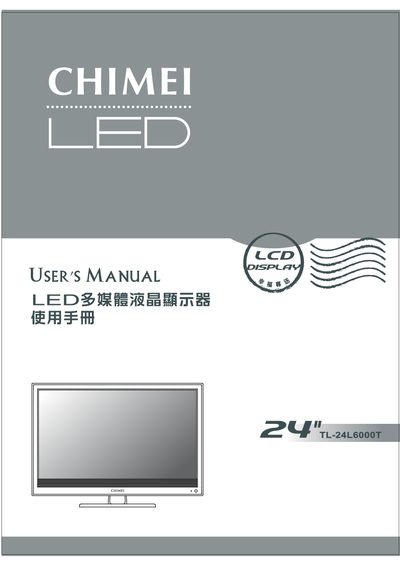
Chimei TL-24L6000T Multimedia LCD Display User Manual
This manual covers important safety warnings, proper installation, and usage of the Chimei TL-24L6000T multimedia LCD display. It explains how to mount the unit on a table or wall, connect the power cord safely, and maintain the device to avoid electric shock or fire hazards.
The guide also describes the remote control, connector functions (HDMI, VGA, AV, etc.), picture and audio settings, troubleshooting tips, and full technical specifications such as screen size, resolution, power consumption, and operating temperature ranges.
Chimei TL-24L6000T specifications
| Active Area / Screen Size | 521.28 mm × 293.22 mm (23.6" diagonal) |
|---|---|
| Aspect Ratio | 16:9 widescreen |
| Maximum Resolution | 1920 × 1080 pixels |
| Input Voltage | 12 V DC |
| Operating Temperature | 5 ~ 35 °C (41 ~ 95 °F), 10 % ~ 90 % RH (no condensation) |
| Storage Temperature | -20 ~ 60 °C (-4 ~ 140 °F), 10 % ~ 90 % RH (no condensation) |
| Built‑in Speaker Power | 8 Ω, SW (max.) × 2 |
Source: Chimei TL-24L6000T Multimedia LCD Display User Manual
All Chimei TL-24L6000T documents by type
Day-to-day operation, settings and troubleshooting. Start here if the product is already set up.
Questions answered in these manuals
What should I check if there is no picture on the screen?
Make sure the power cable is connected and the unit is turned on, verify that the signal cable is properly attached, and confirm the screen is not in power‑saving mode.