
Key facts
Start here
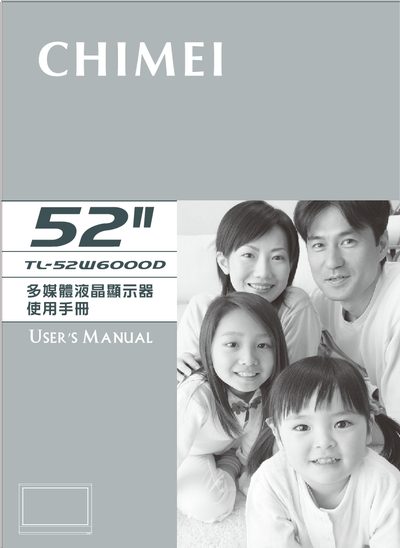
CHIMEI TL-52W6000D multimedia LCD Manual
The manual begins with safety warnings and proper handling instructions, covering topics such as keeping the unit away from water, using only manufacturer‑specified accessories, and ensuring proper grounding. It also explains how to clean the screen safely and how to avoid damage during transport.
Installation and connection sections describe the required power input, recommended input voltages, and the various AV, HDMI, VGA, and component connectors. Operation details include remote‑control usage, menu navigation, and troubleshooting common issues such as no power or poor picture quality. A full specification table lists screen size, resolution, brightness, contrast, and power consumption. This manual is written in Japanese.
Chimei TL-52W6000D specifications
| Aspect ratio | 16:9 |
|---|---|
| Maximum resolution | 1920 x 1080 |
| Brightness | 500 nits (typ) |
| Contrast ratio | 1500:1 |
| Response time | 6.5 ms (gray to gray average) |
| Backlight life | 50,000 hours |
| Power input voltage | AC 100‑240 V, 45 A max |
| Operating power | < 380 W |
| Operating temperature | 5 °C – 35 °C |
| Storage temperature | -20 °C – 60 °C |
| Relative humidity (operating) | 10 % – 90 % |
All Chimei TL-52W6000D documents by type
Day-to-day operation, settings and troubleshooting. Start here if the product is already set up.
Questions answered in these manuals
How much clearance should be left around the unit for ventilation?
Leave at least 10 cm of free space around the equipment to maintain proper ventilation.
Can the display be used in wet or rainy environments?
No. The manual warns not to use the product near water sources or in rainy conditions.
How can I troubleshoot a blank screen?
Check that the power connector is fully inserted, verify the power cable is correctly connected, and ensure the unit is turned on.