
Zebra S400/S600 Barcode Printer User Manual

User manual for Zebra S400 and S600 barcode printers covering power, panel indicators, calibration, maintenance, and troubleshooting.
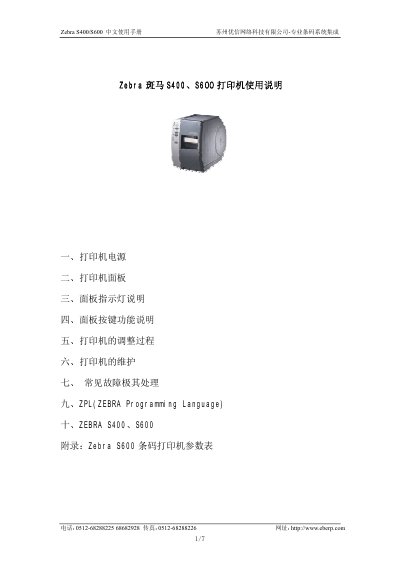

Zebra S400/S600 Barcode Printer User Manual - cover page
Brand
Zebra
Category
Printer
Document type
User Manual
Language
Chinese
Pages
7
File format
PDF
File size
299 KB
Updated
19 October, 2026
MD5 checksum
D3EC3D2C3DC00E52FFB0EAE65BC5A0C9

About this manual

This manual provides instructions for the Zebra S400 and S600 barcode printers, including details on power connection, panel indicators, and button functions. It guides users through the calibration process for print depth, label position, and label width. This manual is written in Chinese.

What's inside

  • Printer Power
  • Panel Indicators
  • Panel Button Functions
  • Printer Calibration
  • Printer Maintenance
  • Common Faults and Solutions
  • ZPL Programming Language
  • Technical Specifications
Download PDF (299 KB)

More Zebra Manuals


View all Zebra manuals →