
User manual for Yamatake's HPX-EG series photoelectric sensors, covering setup, adjustment, and troubleshooting.
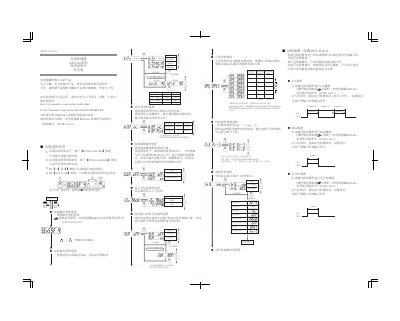
This manual provides instructions for operating and adjusting Yamatake's HPX-EG series photoelectric sensors. It covers features like automatic sensitivity switching, STA (setting value automatic correction) function, and troubleshooting steps for tuning errors. The document also includes technical specifications such as power requirements, environmental conditions, and physical dimensions.
The manual is intended for users who need to configure, calibrate, or maintain the sensor, including setting sensitivity, adjusting LED frequencies, and handling error conditions during operation.
| Power Supply | 12~24Vdc +10%/-15% |
|---|---|
| Power Consumption | 750mW or less (24Vdc, 30mA or less) |
| Operating Temperature | -20~+55°C (single unit or 2 units dense), -20~+50°C (3 units), -20~+45°C (4-5 units), -20~+40°C (6-16 units) |
| Storage Temperature | -20~+70°C |
| Humidity | 35~85% RH (no condensation) |
| Protection Rating | IP40 |
| Weight | Approximately 45g (HPX-EG00-5/65: ~30g, HPX-EG0口-口S-CT: ~20g) |
Cancel the tuning by pressing [FUNC/CANCEL], then re-evaluate the conditions based on the error type and take appropriate corrective actions.
The STA function automatically adjusts the setting value based on the received light level to maintain stable detection, compensating for environmental changes like dirt on the optical fiber or temperature variations.
In normal operation, press [FUNC/CANCEL] to display the function selection menu, select [5 口口], then press [AUTO/OK].