
The Yamatake SDC20/21 manual provides safety, installation, wiring, setup, operation, and troubleshooting instructions.
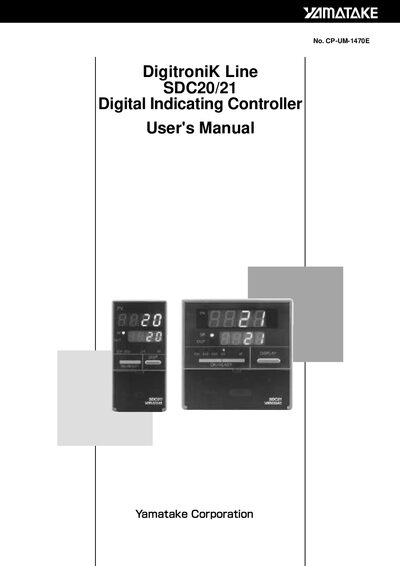
This manual covers safety precautions, component identification, and installation guidelines for the Yamatake SDC20/21 digital indicating controller. It explains proper mounting, wiring, grounding, and environmental limits.
Detailed sections describe setup of parameters, operation of keys, troubleshooting alarms, and full technical specifications, along with appendices for part numbers and term definitions.
| Supply voltage | 85 to 264 Vac |
|---|---|
| Frequency | 50/60 Hz |
| Power rating | 18 VA maximum |
| Operating temperature | 0 to 50 °C |
| Humidity range | 10 to 90% RH |
| Vibration frequency | 10 to 60 Hz |
| Acceleration limit | 2 m/s² maximum |
| Relay output type | 0D Relay output |
| RS‑485 communication | Supported |
Turn the mains power supply OFF before connecting or disconnecting any wiring.
The controller must be mounted into a panel to limit operator access to the rear terminals.
The controller operates on a supply voltage of 85 to 264 Vac.