
Operation manual for XMT 908P64 program control instrument covering setup, technical specs, and control functions.
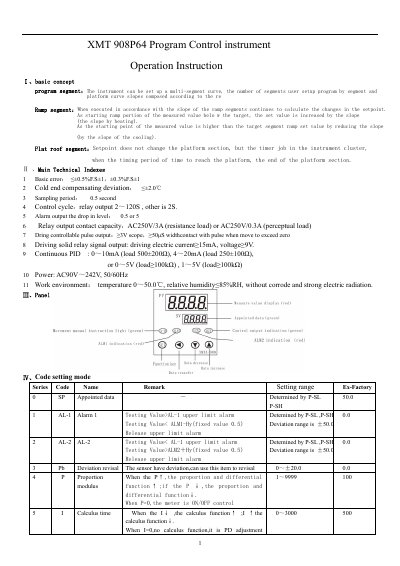
This document provides step-by-step instructions for operating the XMT 908P64 Program Control Instrument. It covers basic concepts like segment programming and ramp control, technical specifications including error margins and power requirements, and detailed parameter settings for alarms, PID control, and output types. The manual also explains how to navigate the instrument’s settings using the SET key and other controls, including lock functions and communication settings.
| Basic Error | ≤ ±0.5%F.S±1, ±0.3%F.S±1 |
|---|---|
| Cold End Compensating Deviation | ≤ ±2.0 ℃ |
| Sampling Period | 0.5 second |
| Control Cycle | Relay output 2~120S, other is 2S |
| Power | AC90V~242V, 50/60Hz |
| Work Environment | Temperature 0~50.0℃, relative humidity ≤ 85%RH |
Relay output control cycle is 2 to 120 seconds; other outputs are 2 seconds.
Output types include relay output, solid relay output, phase over zero trigger, phase trigger, 0–10mA/0–5V, 4–20mA/1–5V, and valve control.
Input types include Cu50, Pt100, K, E, J, T, S, R, WR25, N, and custom types, with corresponding temperature ranges.
The default baud rate is 1200 bps, with options for 2400, 4800, and 9600 bps.