
Key facts
- Manuals
- 5
- Models
- 1
- Languages
- ZH
- Last added
- 2026-09-30
XMT models by category
Featured XMT manuals
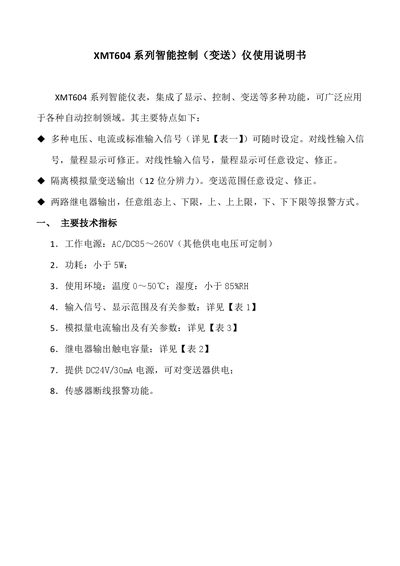
XMT XMT60 4 Series Smart Control Instrument User Manual
The XMT60 4 Series smart control (transmission) instrument integrates display, control and transmission functions for a wide range of automatic control applications. It supports multiple voltage, current or standard input signals, isolated analog output, and dual relay alarm outputs.
This manual describes the technical specifications, model naming, selection examples, operation methods, parameter settings, and terminal wiring diagram. It guides users through signal and output configuration, alarm limit programming, and filter coefficient adjustment. This manual is written in Chinese.
Covers: Technical Specifications · Model Naming · Selection and Application Examples · Operation Method · Parameter Settings · Terminal Wiring Diagram
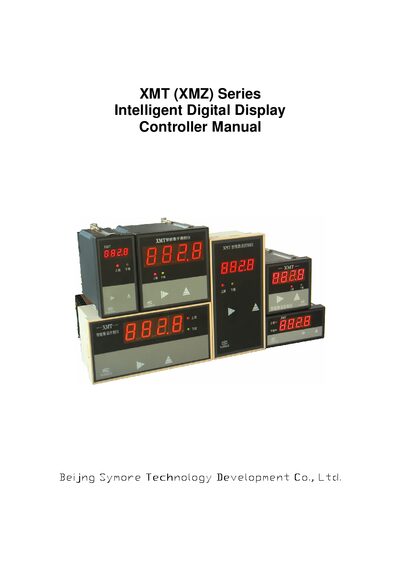
XMT (XMZ) Series Intelligent Digital Display Controller Manual
This manual covers the XMT (XMZ) series intelligent digital display controller, detailing its general description, model selection, and main technical parameters. It explains supported input signals such as thermocouples, thermoresistance, Hall transmitters, standard voltage/current, and AC signals, as well as analog output options.
Installation, wiring diagrams, and step‑by‑step procedures for setting control values, adjusting limits, and configuring relay outputs are provided. The document also includes order details, product brief introductions, and warranty information. This manual is written in Chinese.
Covers: General Description · Model Selecting · Main Technical Parameters · Input Signal · Analog Quantity Output · Control Value Setup and Observation
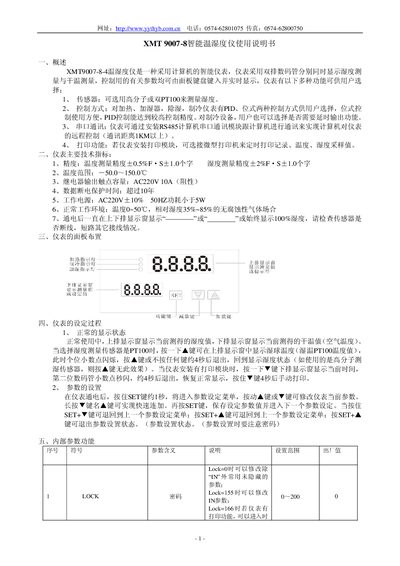
XMT 9007-8 Intelligent Temperature and Humidity Meter User Manual
This manual describes the XMT 9007-8 intelligent temperature and humidity meter, its functions, control modes, communication options and optional modules. It guides users through panel layout, parameter setting, and operation of heating, cooling, humidifying and dehumidifying functions.
Additional sections cover model designation, terminal wiring, safety precautions, and a detailed method for using dual PT100 sensors to measure humidity. This manual is written in Chinese.
Covers: Overview · Technical Specifications · Panel Layout · Setting Process · Internal Parameter Functions · Control Operation
Latest XMT manuals
XMT XMT60 4 Series Smart Control Instrument User Manual
User Manual 6 pages · 389 KB · ZHThe XMT60 4 Series smart control instrument manual provides setup, operation, and alarm configuration instructions for the device.
XMT (XMZ) Series Intelligent Digital Display Controller Manual
User Manual 8 pages · 295 KB · ZHThe XMT (XMZ) Series Intelligent Digital Display Controller manual provides description, specifications, wiring, installation, and operation instructions.
XMT 9007-8-4 intelligence temperature machine Manual
XMT9007-8-4 temperature and humidity meter is an intelligent instrument with dual digital tube display for humidity and dry temperature, optional sensors, PID and bit control modes, serial communication, printing function, etc.
XMT -6000D seriesThermostatInstrument makeuse Manual
XMT 9007-8 Intelligent Temperature and Humidity Meter User Manual
User Manual 4 pages · 195 KB · ZHThe XMT 9007-8 manual explains operation, settings, technical specs, wiring and dual PT100 humidity measurement.
Which document do I need?
User Manual
Day-to-day operation, settings and troubleshooting. Start here if the product is already set up.
Questions answered in XMT manuals
How are control values stored after setting them?
After finishing the set procedure for about 8 seconds, the controller recovers to normal operation and the set values are stored automatically.
From: XMT (XMZ) Series Intelligent Digital Display Controller Manual
How is two‑stage relay control configured?
Two‑stage control uses a single relay where relay 1 is effective and relay 2 is inactive, with a fixed return difference set by three numbers.
From: XMT (XMZ) Series Intelligent Digital Display Controller Manual
How do I manually print a record?
Press and hold the ▼ key for about 4 seconds to trigger a manual print when a printing module is installed.
From: XMT 9007-8 Intelligent Temperature and Humidity Meter User Manual
How can I enter the parameter setting menu?
Hold the SET key for about 1 second after power‑on; the parameter setting menu appears, and you can use the ▲/▼ keys to modify values, then press SET to save.
From: XMT 9007-8 Intelligent Temperature and Humidity Meter User Manual