
XMT9007-8-4 temperature and humidity meter is an intelligent instrument that can simultaneously display humidity measurement and dry temperature measurement. It has multiple functions for users to choose from, including various sensor options, control mode options, RS485 communication function and printing function.
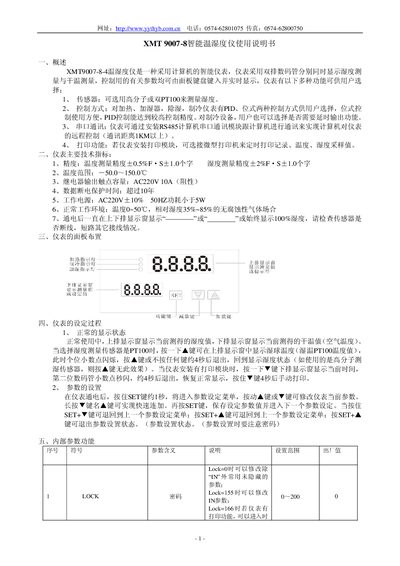
This manual describes the XMT 9007-8 intelligent temperature and humidity meter, its functions, control modes, communication options and optional modules. It guides users through panel layout, parameter setting, and operation of heating, cooling, humidifying and dehumidifying functions.
Additional sections cover model designation, terminal wiring, safety precautions, and a detailed method for using dual PT100 sensors to measure humidity. This manual is written in Chinese.
| Temperature measurement accuracy | ±0.5% FS ±1.0 digit |
|---|---|
| Humidity measurement accuracy | ±2% FS ±1.0 digit |
| Temperature range | -50.0 °C ~ 150.0 °C |
| Relay output contact capacity | AC220V 10A (resistive) |
| Power consumption | <5 W |
| Operating environment | Temperature 0~50 °C, RH 35~85 % |
| Power supply | AC220V ±10% 50 Hz |
Press and hold the ▼ key for about 4 seconds to trigger a manual print when a printing module is installed.
Hold the SET key for about 1 second after power‑on; the parameter setting menu appears, and you can use the ▲/▼ keys to modify values, then press SET to save.
The suffix “WT” means the instrument is equipped with a micro‑printer signal output module.