
This document is about the user manual of My Book Home Edition external desktop, which introduces the features and characteristics of the product.
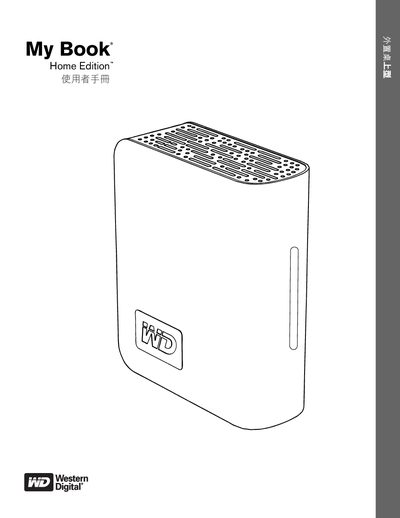
This manual explains how to install and use the My Book Home Edition external hard drive. It covers connecting the device via USB, FireWire 400, or eSATA, formatting the drive for Windows or Mac, and using the included software tools such as WD Drive Manager and Memeo AutoBackup.
Safety precautions, LED indicator meanings, SmartPower operation, and detailed troubleshooting steps are also provided, along with warranty and regulatory information for the product. This manual is written in Japanese.
| File System Compatibility | FAT32 (max file size 4 GB) |
|---|---|
| Power Indicator LEDs | Power/Activity LED shows on, standby, or off states |
Yes, the drive works with Windows XP as listed under supported operating systems.
The maximum file size is 4 GB on the FAT32 partition.
No, SmartPower is not available when the drive is connected via eSATA.