
My Book Essential User Guide, introduces the features and characteristics of the product, including the product warranty, technical support, and how to get online support.
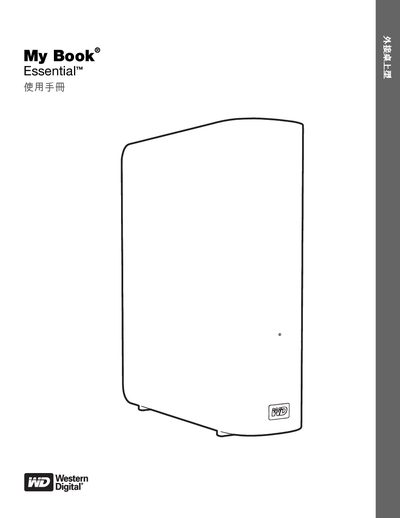
The My Book Essential is an external USB 3.0 hard drive with a sleek book‑shaped design, built‑in 256‑bit hardware encryption, and power‑saving features. It comes pre‑formatted as a single NTFS partition and includes a Kensington lock slot, power/activity LEDs, and an AC adapter.
The manual covers unpacking, optional accessories, operating‑system compatibility, registration, software installation (WD SmartWare), password protection, locking/unlocking, sleep timer settings, and detailed troubleshooting steps. It also lists warranty, regulatory compliance, and contact information for technical support. This manual is written in Chinese.
| Interface | USB 3.0 |
|---|---|
| Encryption | 256‑bit hardware encryption |
| File System | Pre‑formatted NTFS |
| Power / Activity LEDs | Present on front panel |
| Security Slot | Kensington lock |
| Sleep Timer | Configurable |
| Power Savings | Up to 30% reduced consumption |
You can protect the drive with a password or use WD SmartWare software to lock and unlock it.
The drive works with Windows XP, Vista, 7 and later, as well as Mac OS X versions such as Leopard and Snow Leopard.
Contact WD technical support via the phone numbers listed in the manual or visit the WD support website.