
This is My Book Essential user manual
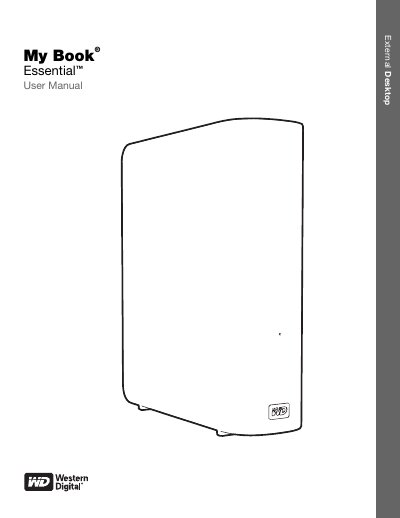
This manual introduces the My Book Essential external hard drive, covering its physical features, included accessories, and the WD SmartWare software that enables automatic continuous backup and drive lock security. It also explains how to register the drive, connect it to a computer, and use the software on supported operating systems.
Detailed sections guide you through formatting, power management, unlocking the drive, customizing settings, and recovering files, with safety and compliance information included for reliable operation.
| Interface | USB 3.0 |
|---|---|
| Pre‑formatted File System | NTFS partition |
| Encryption | 256‑bit hardware‑based encryption |
| Power Indicator | Power/Activity LED |
WD SmartWare provides automatic, continuous backup that creates a second copy whenever a file is added or changed.