
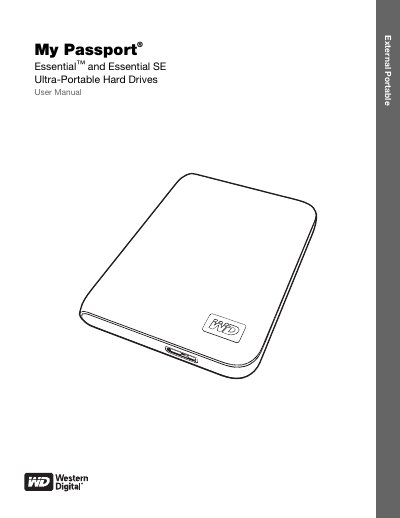
Western Digital My Passport Essential & Essential SE User Manual


Western Digital My Passport Essential & Essential SE User Manual - cover page
Brand
MY
Category
Storage devices
Document type
User Manual
Language
English
Pages
75
File format
PDF
File size
3 MB
Published
01 June, 2012
Updated
29 September, 2023
MD5 checksum
E99013FE1A3470AC804295C319F5FCC3

About this manual

This manual introduces the My Passport Essential and Essential SE external hard drives, describing their design, USB 3.0 interface, built‑in WD SmartWare backup software, and power‑saving features. It also explains how to register the drive, handle it safely, and connect it to Windows or Mac computers.

Detailed sections cover drive locking, password protection, backup and restore procedures, software installation and removal, and troubleshooting. Compliance, warranty, and service information are provided at the end of the document.

What's inside

  • About Your WD Drive
  • Features
  • Kit Contents
  • Operating System Compatibility
  • Disk Drive Format
  • Physical Description
  • Power/Activity LED
  • Connecting the Drive and Getting Started
  • Using WD SmartWare Software
  • Locking and Unlocking the Drive
Download PDF (3 MB)

More MY Manuals


View all MY manuals →