
VIVOTEK FE8391-V Fixed Dome Network Camera Quick Installation Guide

This quick installation guide covers hardware setup, cable connections (RJ45 and DC), mounting instructions for ceiling/wall, and initial software…
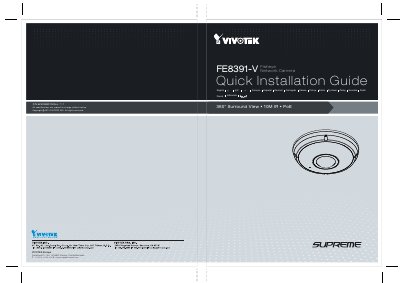

VIVOTEK FE8391-V Fixed Dome Network Camera Quick Installation Guide - cover page
Brand
Vivotek
Document type
Quick Start Guide
Language
Chinese
Pages
12
File format
PDF
File size
5.8 MB
Published
24 October, 2026
Updated
24 October, 2026
MD5 checksum
F03DFCEDA2AF65E1D121ABC578817007

About this manual

The document provides step-by-step instructions for unboxing the VIVOTEK FE8391-V 360° Surround View Network Camera and connecting its cables. It details how to install the RJ45 Ethernet cable through rubber seals and connect either a DC power source or use PoE (Power over Ethernet) depending on the switch configuration. This manual is written in Chinese.

What's inside

  • Hardware Installation
  • Cable Connections
  • Ceiling/Wall Mounting
  • PoE Connection
  • Software Setup

Frequently asked questions

What is the total power consumption of the infrared lights when they are active at night?

The total power consumption for the infrared lights during nighttime operation is 23 watts.

What specific PoE standard does this camera require to function with a Power Sourcing Equipment device?

The camera requires an 802.3at PoE PSE, such as a PoE switch.

What is the minimum current rating required for the DC power supply if that option is selected?

The DC power supply must have a minimum output of 2 amperes.

Download PDF (5.8 MB)

More Vivotek Manuals


View all Vivotek manuals →