
Universal Robots UR3/CB3 robot user manual covering safety, installation, electrical interfaces, PolyScope programming, and specifications.
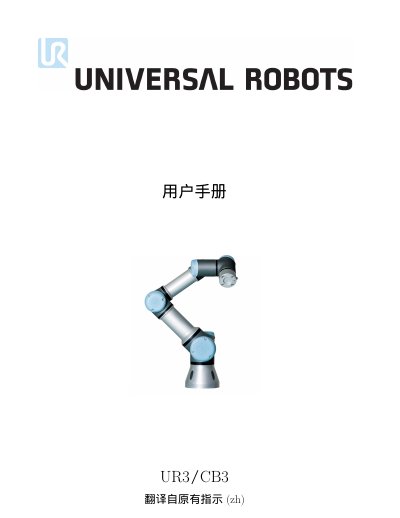
This user manual for the Universal Robots UR3/CB3 robot covers safety, transport, mechanical and electrical interfaces, safety-related functions, maintenance, disposal, certifications, and technical specifications. It also describes the PolyScope program interface, robot control, programming, settings, and safety configuration.
The document is version 3.1 (rev. 18026) and states that it is translated from the original instructions. It is organized into a hardware installation manual and a PolyScope manual. This manual is written in Chinese.
| Robot type | UR3 |
|---|---|
| Weight | 9.4 kg / 20.7 lb |
| Payload | 3 kg / 6.6 lb |
| Reach | 500 mm / 19.7 in |
| Degrees of freedom | 6 rotating joints |
| Control box I/O ports | 16 digital inputs, 16 digital outputs, 2 analog inputs, 2 analog outputs |
| Tool I/O ports | 2 digital inputs, 2 digital outputs, 2 analog inputs |
| IP classification | IP54 |
| Power supply | 100-240 V AC, 50-60 Hz |
| Expected operating life | 35,000 hours |
The manual states a payload of 3 kg / 6.6 lb.
The stated reach is 500 mm / 19.7 in.
The control box has 16 digital inputs and 16 digital outputs, plus 2 analog inputs and 2 analog outputs.
Software updates can be installed from a USB flash drive.