
This manual provides operating instructions for the Universal Robots UR Log Viewer software, used to analyze robot logs on e-Series and CB-Series controllers.
The UR Log Viewer is a tool designed to read and view Support Files exported from Universal Robots. It allows users to access log archives, programs, and flight reports to understand robot behavior and support debugging efforts.
This manual covers the installation process for Windows 7 through 10 systems requiring .Net 4.8, as well as instructions on how to load various file types including Support Files, Flight Reports, and Log History into the software's different pages. This manual is written in Chinese.
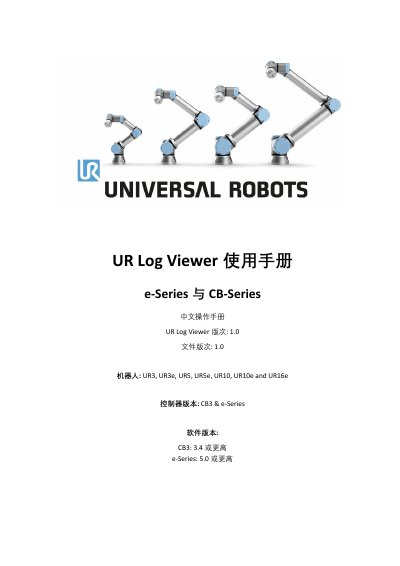
| Compatible Robots | UR3, UR3e, UR5, UR5e, UR10, UR10e and UR16e |
|---|---|
| Compatible Controllers | CB3 & e-Series |
| Software Version Requirements (CB3) | 3.4 or higher |
| Software Version Requirements (e-Series) | 5.0 or higher |
| Operating System Requirement | Windows 7, 8, 8.1 or 10 |
The software supports Windows 7, 8, 8.1, and 10; it is not currently applicable to Linux or Mac.
Users must have at least .Net 4.8 installed and possess user privileges to install and execute the software.