
Tobii Dynavox Text Page Set Guide explains how to use QuickFires, Phrases, Notes, Keyboard, Dashboard, and Copy to Button for text-based communication.
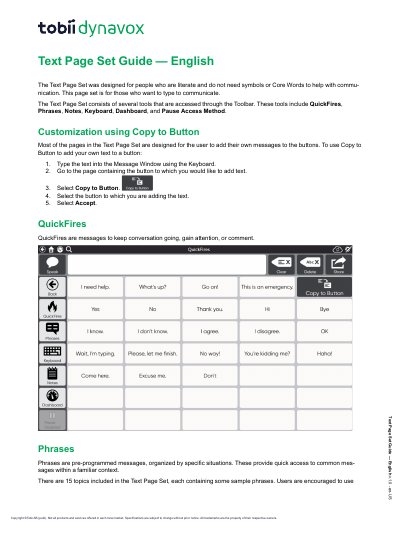
The Text Page Set is designed for literate users who type to communicate without symbols or Core Words. Its tools are accessed through the Toolbar and include QuickFires, Phrases, Notes, Keyboard, Dashboard, and Pause Access Method.
Users can customize buttons with Copy to Button, choose keyboard layouts such as QWERTY, ABC, or Frequency of Use, and use Dashboard features including volume controls, remotes, Gaze interaction, Google Home Speaker, and Alexa.
| Included topics | 15 |
|---|---|
| Blank custom topics | 19 |
| Keyboard layouts | QWERTY, ABC, Frequency of Use |
Type the text into the Message Window using the Keyboard, go to the page with the button, select Copy to Button, select the button, then select Accept.
The Text Page Set includes QWERTY, ABC, and Frequency of Use keyboard options.
The Dashboard contains volume controls, remotes, AccessIT, Launch Application, Date & Time, Visual Timer, Battery level, Gaze interaction, Partner Window, Google Home Speaker, and Alexa.
Yes, you can make calls directly through your Google Home speaker to any phone number in the US, UK, or Canada.